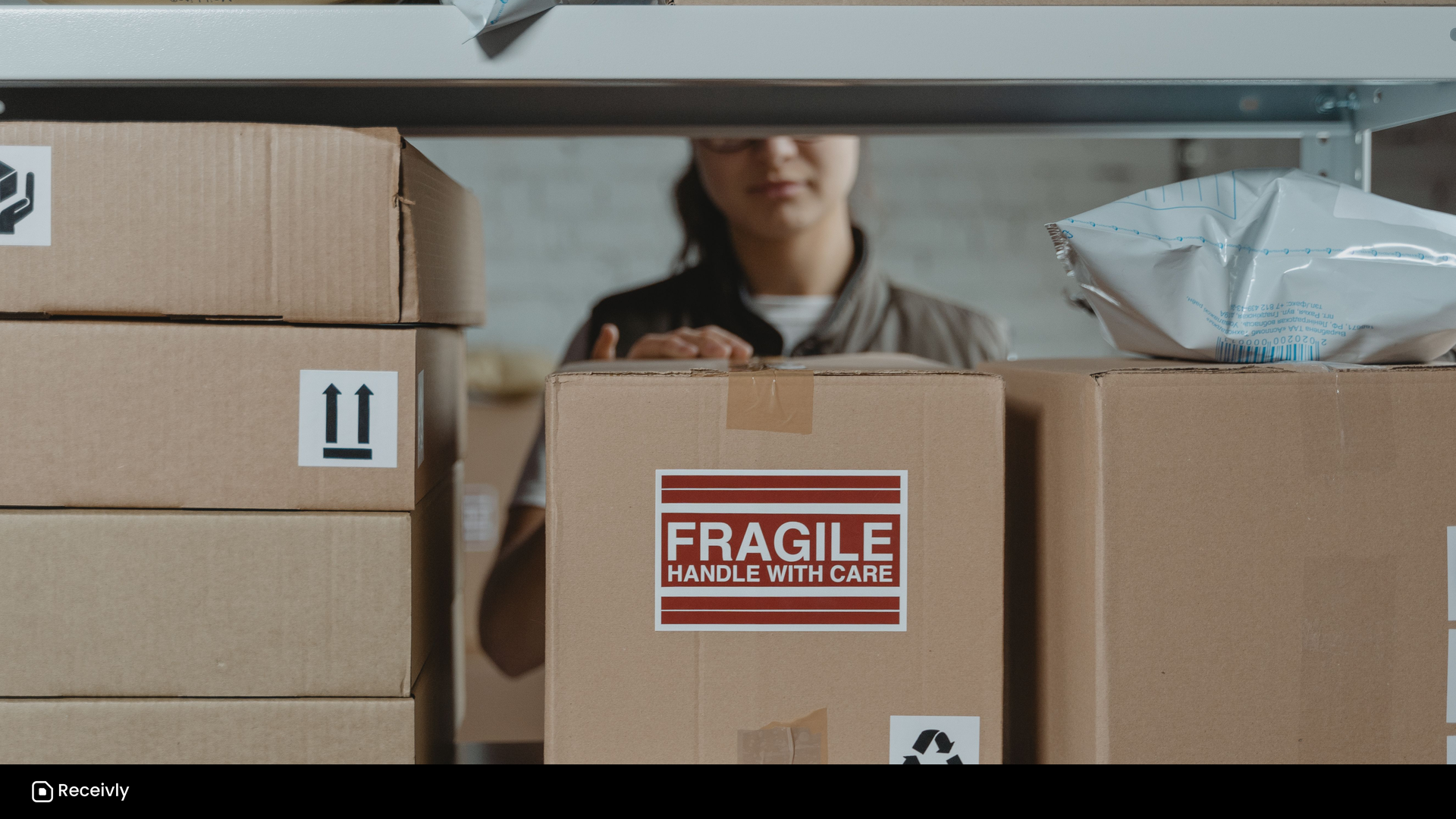
Monday morning in a mid-size office rarely starts with strategy. It starts with carts.
UPS, FedEx, and Amazon leave stacks at the dock early. The carrier apps already say "Delivered." Recipients assume the box is on their desk. Your front desk knows the quieter truth: delivered only means the building has it. Finding it, proving who took it, and answering "did anything come for me?" is still on your team.
That gap is what a mailroom parcel tracking system closes: inbound package tracking that starts where the carrier stops. Who received it, where it sits, who was notified, and who signed at pickup. If spreadsheets and sticky notes have stopped keeping up, this guide covers the criteria that matter, a vendor checklist for demos, and how to match a tool to your building. See Receivly’s mailroom management software.
What "delivered" really means inside a building
A carrier's job usually ends at the dock or lobby. Inside the building, the parcel still has to be identified, matched to a person or department, stored somewhere findable, announced to the right recipient, held until pickup, and closed with proof.
Skip those steps and the familiar problems show up: a box moved "to help" that nobody can find later, a valuable shipment with no trail when Security asks, and a front desk that loses its morning to package questions because there's no shared log.
Volume made this harder because the mix changed. Employees ship equipment, samples, marketing kits, and personal orders to the office. Multi-tenant floors share lobbies. Hybrid schedules mean the person who ordered something may not be in that day. The carrier still stops at the building. Operations inherits the rest.
How teams cope before software
Most offices invent workarounds that hold until volume or risk makes them expensive. A clipboard works on quiet days and collapses after a weekend wave. Sticky notes become a shadow system until they fall off or get buried. Shared spreadsheets feel like progress until two people edit at once, a pickup goes unmarked, or a second site opens another tab, and they still don't notify recipients or capture a signature on their own.
None of that means the team is careless. It means the process was built for a quieter building. When the log can't keep up with the cart, you're already shopping for a real system.
Other tools people try, and where they stop
A few adjacent tools get suggested. Each is good at what it was built for, and each stops short of dock-to-pickup mailroom work.
| Tool | Scan intake | Match to a person | Notify recipient | Proof of pickup | Multi-site | Best for |
|---|---|---|---|---|---|---|
| Mailroom software | Yes, label/barcode | Yes, directory + aliases | Yes | Yes, signature/photo/audit | Yes | Office & facility inbound |
| Carrier app / dashboard | Tracks to "delivered" | No directory | Delivery status only | No handoff proof | Partial | Knowing a package left the hub |
| Warehouse WMS | Yes, SKUs/inventory | Built for SKUs, not people | Usually none | Partial, internal | Yes | Outbound picks against inventory |
| Residential / concierge app | Yes | Yes, tenants | Yes, tenant | Yes, kiosk pickup | Yes | Apartments, student housing, concierge |
Carrier visibility can complement a mailroom, but it rarely stands alone if you need to track inbound parcels from dock to pickup. A warehouse system scans and locates well, but office mailrooms handle irregular parcels addressed to people, not outbound picks against SKUs. Campuses already running a WMS are a fair exception. Residential and concierge products are often strong at scan, notify, and proof; the fit question is whether their happy path assumes tenants and self-collection or employees, departments, and facilities reporting.
The three tests that matter most
Start from volume and risk. If one person can still keep a clean paper log and nothing sensitive goes missing, software can wait. When the Monday cart outruns the log, interruptions dominate the desk, or a missing package becomes a security conversation, three things decide whether a system will actually get used:
- Intake speed. If logging means long stretches of typing per box, people skip it during the rush. Label or barcode scanning that captures carrier and tracking without retyping is usually the difference between a process people keep and one they abandon. Directory matching that tolerates aliases and misspellings matters because labels are imperfect. Mobile receiving matters because mailrooms are not always at a desk.
- Notification. Broad "packages are available" emails train people to tune out. A notice to the right person, with a clear pickup location and a reminder a day or two later, clears shelves without nagging everyone.
- Proof of pickup. A signature or pickup code, an optional photo, and an audit trail you can pull in seconds turn "someone took it" into a closed record once volume or value rises.
Around those three sit the building realities: separate receive points that shouldn't share one messy list, staff-versus-admin permissions, simple reporting on volume and dwell time, and integrations that match how people already work. Initial setup for one site should take about an afternoon.
Questions to ask any vendor
Bring your Monday to the demo. Ask the vendor to walk a realistic receive (weekend Amazon pile, handwritten label, preferred-name mismatch, second-site queue) and pickup, then score the answers:
- Can it scan a label and match a misspelled or preferred name to your directory?
- How long does logging a box take on a phone, in the rush?
- Who gets notified, on which channel, and what do reminders look like after a couple of days?
- What proof does pickup capture (signature, photo, audit trail), and how fast can you pull it for a missing-parcel story?
- Can a second site stay isolated so it never sees the first site's queue?
- How does a facilities manager export last month's volume and dwell time by location?
- How does the directory get in and stay current, and who owns it?
- Which features are live today versus add-on or waitlist?
Score every tool on one question: would your front desk still use it mid-morning on a busy Monday?
Where Receivly fits
Receivly is built for office and facility inbound: the scan, notify, proof loop after the carrier marks delivered. It logs parcels quickly, notifies the right recipients, and closes handoffs with proof, so teams can track inbound parcels for business without living in spreadsheets. Digital Mailroom (envelope digitization and recipient mail actions) and Visitor Management are sold on their own or with any parcel plan. It is not a warehouse WMS or a carrier dashboard.
Access is gated on purpose. If you're shortlisting systems, book a demo. We walk your inbound flow with you, then send a private 30-day trial link when you're ready. For plan shape in plain language, see pricing.
FAQ
Do carrier apps track the internal handoff?
No. Carrier tracking ends at "delivered to the address." It doesn't know which shelf the box is on, who it belongs to inside your building, or who picked it up.
How much volume before I need software?
When a paper log can't keep up with the Monday cart, package questions dominate the front desk, or a missing item turns into a security conversation. Below that, a clean log can be enough.
Is this different from a warehouse system?
Yes. A WMS is built for SKUs and outbound picks against inventory. A mailroom system handles irregular parcels addressed to people, with recipient notifications and proof of pickup.
Can it handle multiple sites or buildings?
Look for separate receive points with isolated queues and per-site reporting, so one location never sees another's list. Ask the vendor to demo multi-site isolation directly.