Receivly for iPhone, iPad and Android
The mailroom
in your pocket.
Receive, deliver and look up parcels wherever you are in the building. Everything lands in the same account as the web.
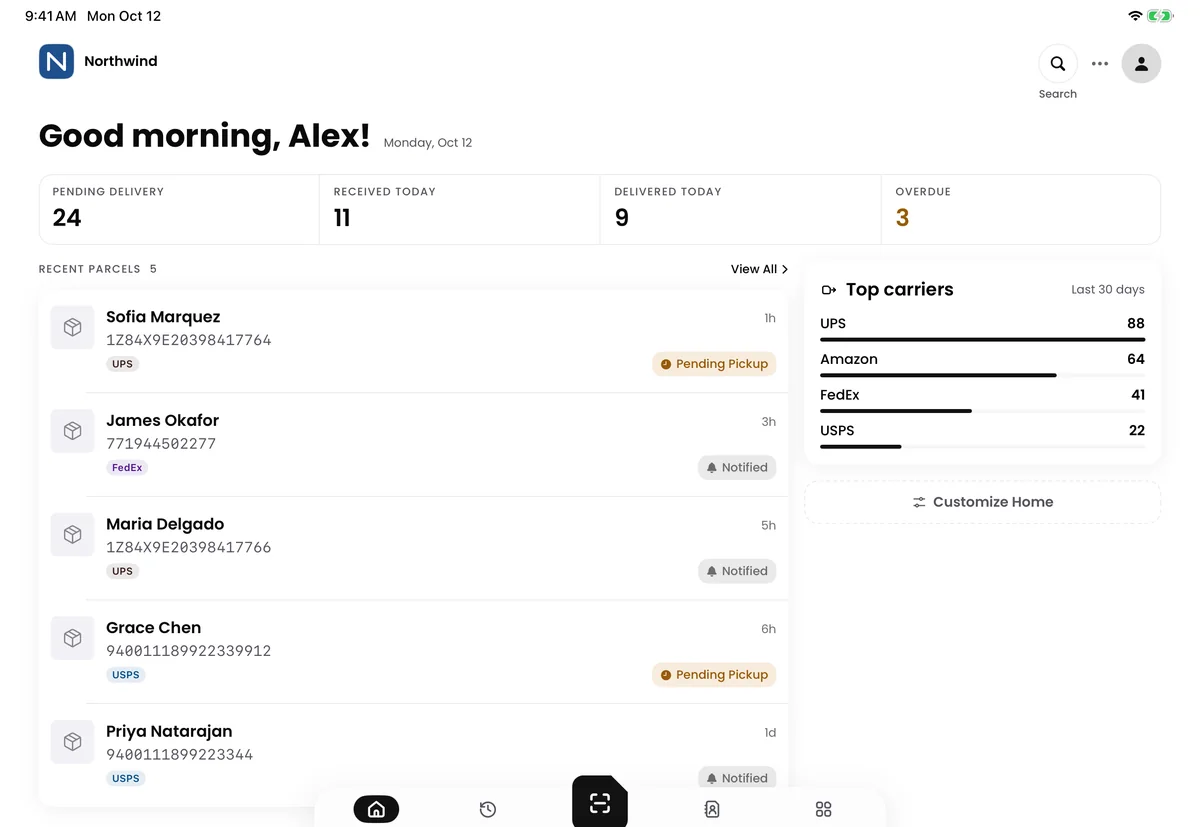
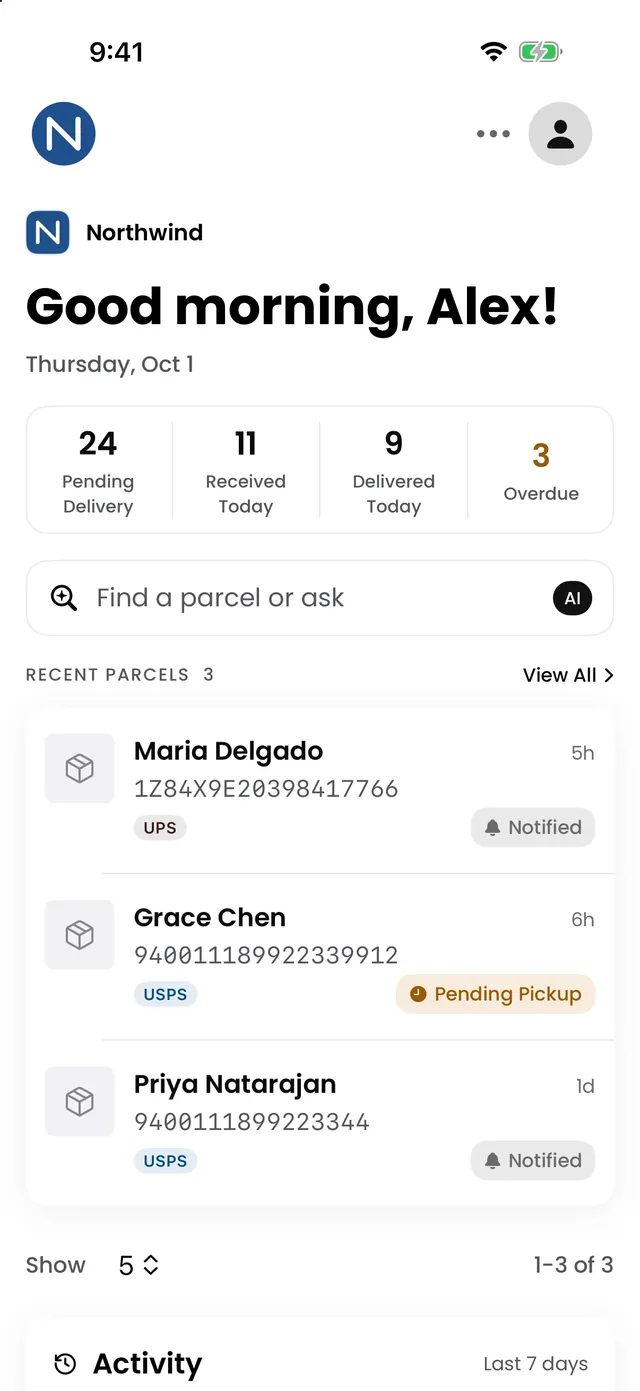

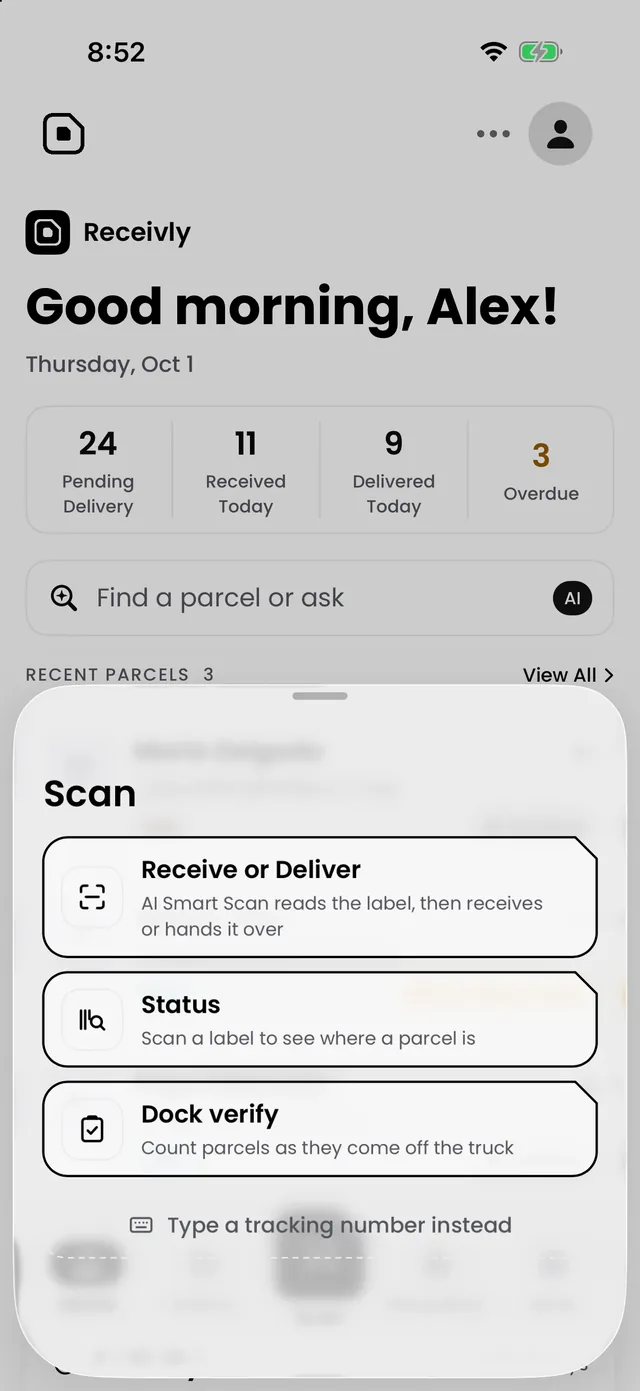
Scan
One scan. No typing.
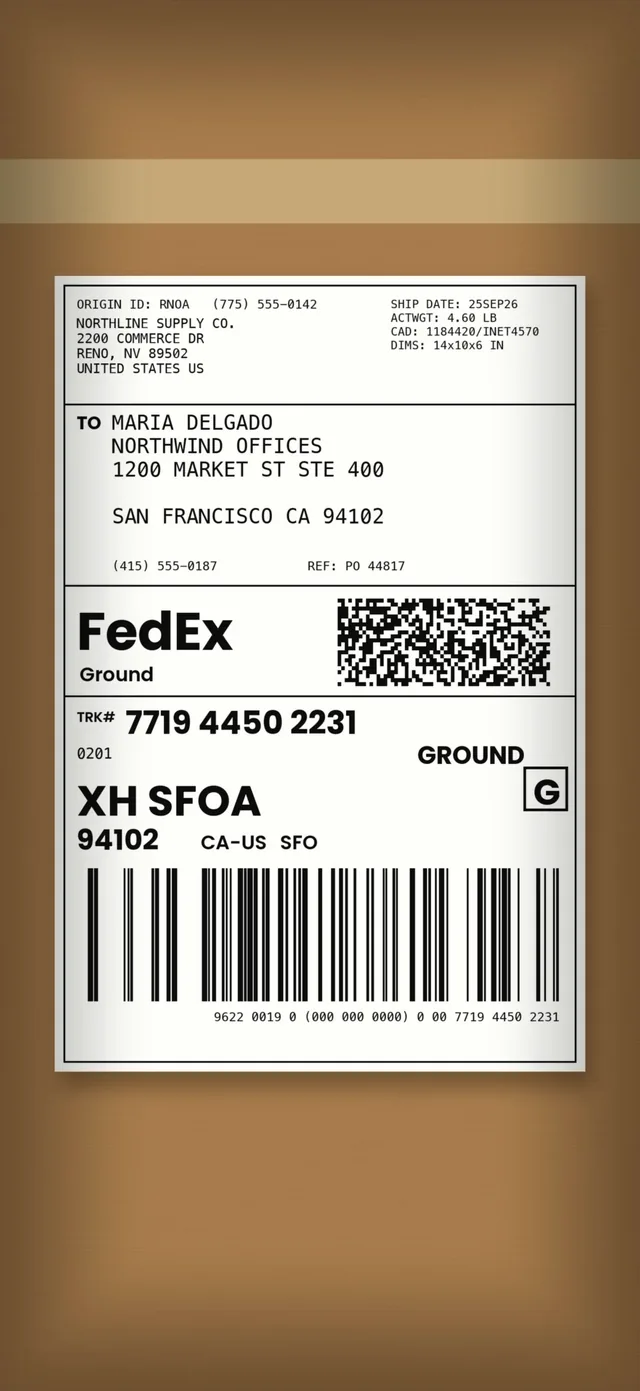
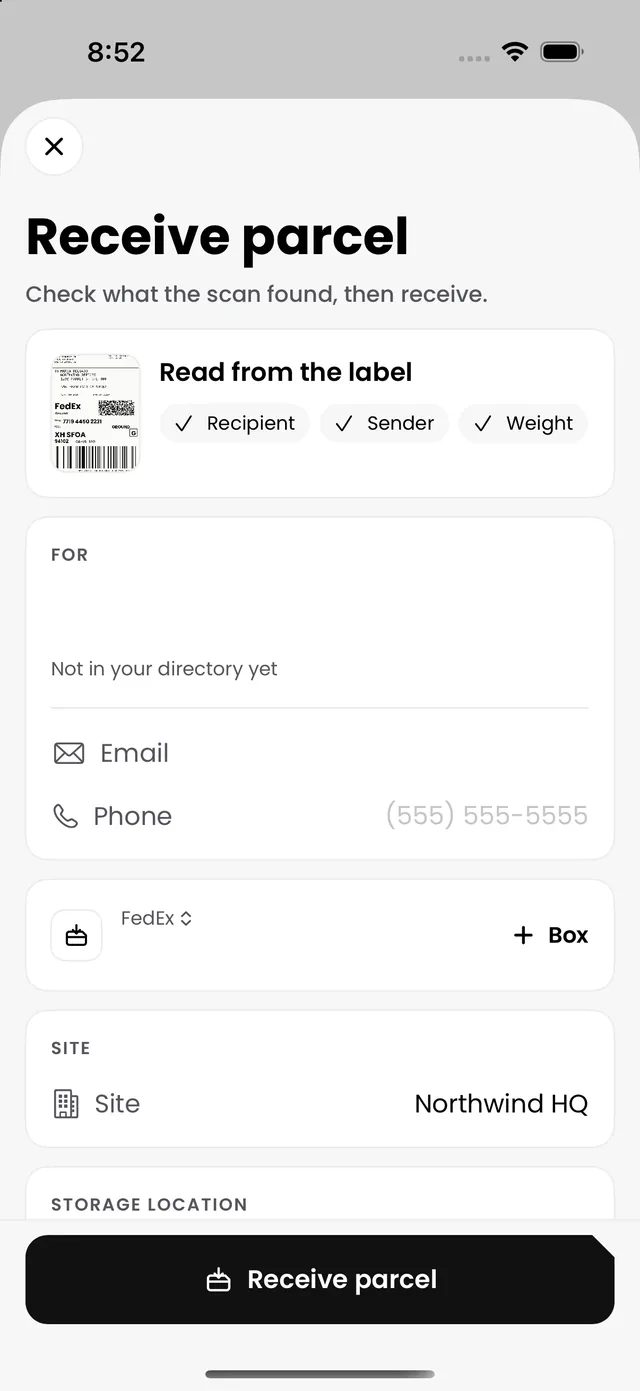
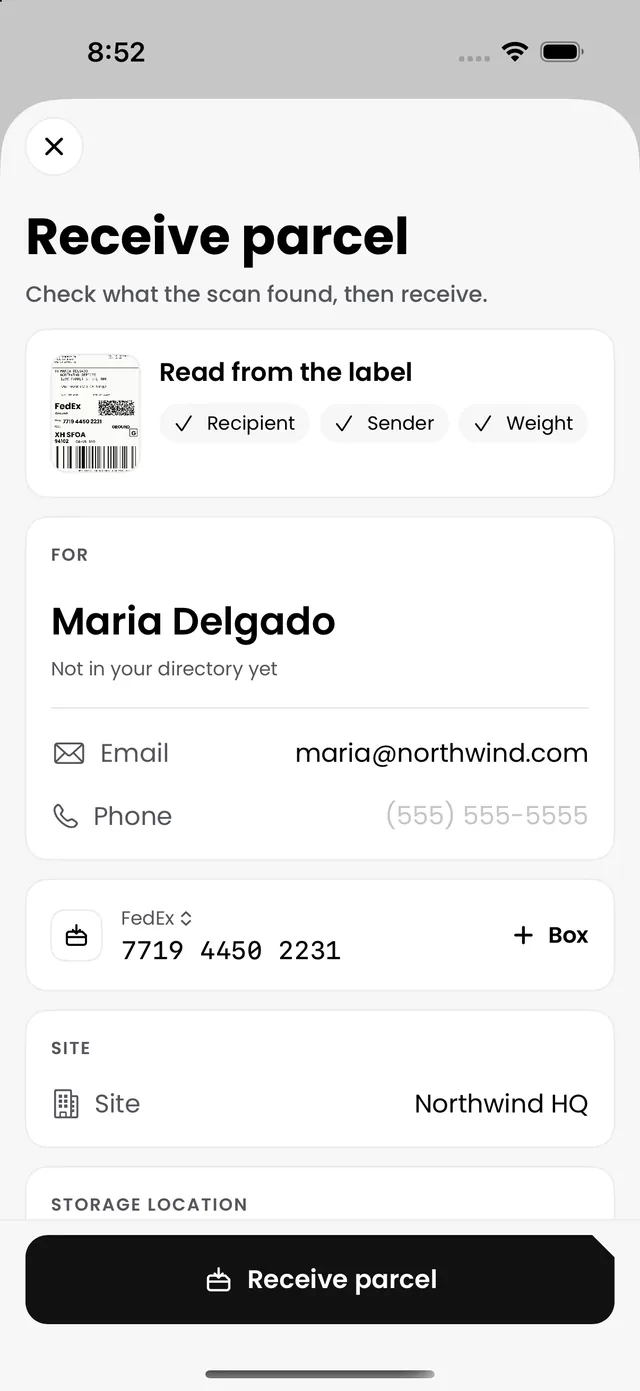
AI Smart Scan reads the carrier, the tracking number and the recipient from the label, so a parcel is logged in seconds, right where it landed.
- Receive, hand over and look up parcels from one place
- Keeps working when the Wi-Fi drops
Deliver
Hand it over where you stand.
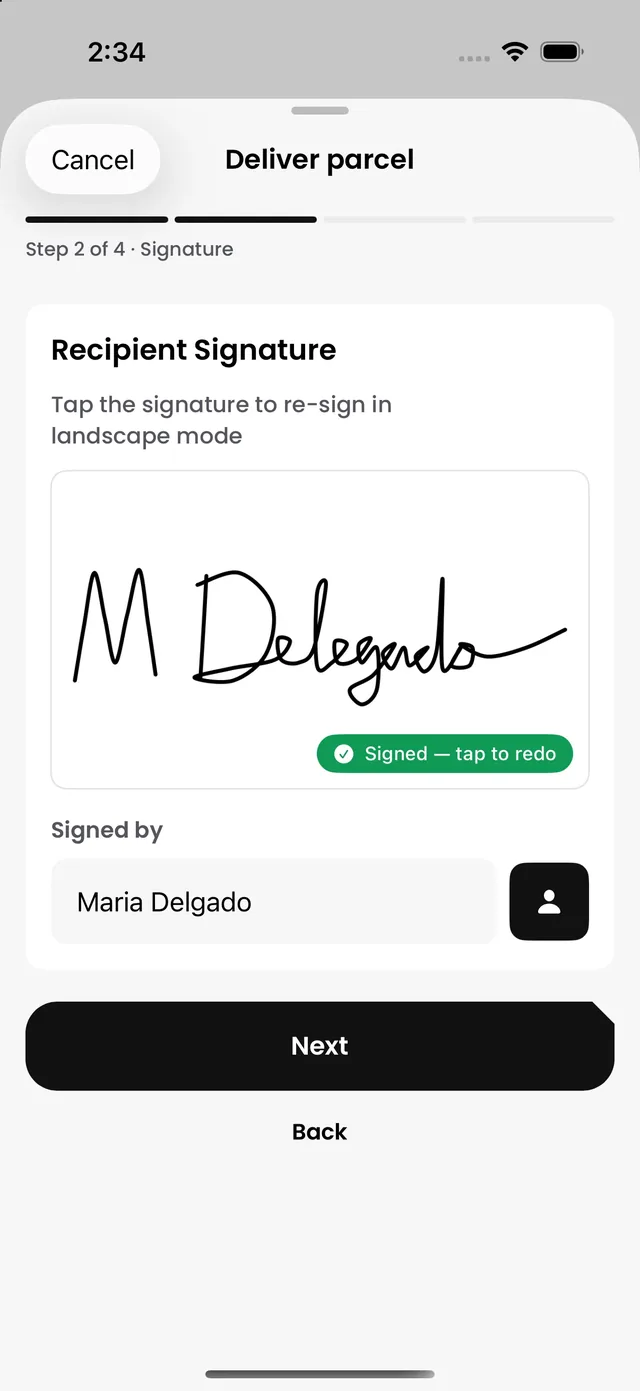
Capture a signature and a photo right where you stand. No trip back to a computer.
- A signature, a photo and the time on every handover
- Proof even when no one can sign
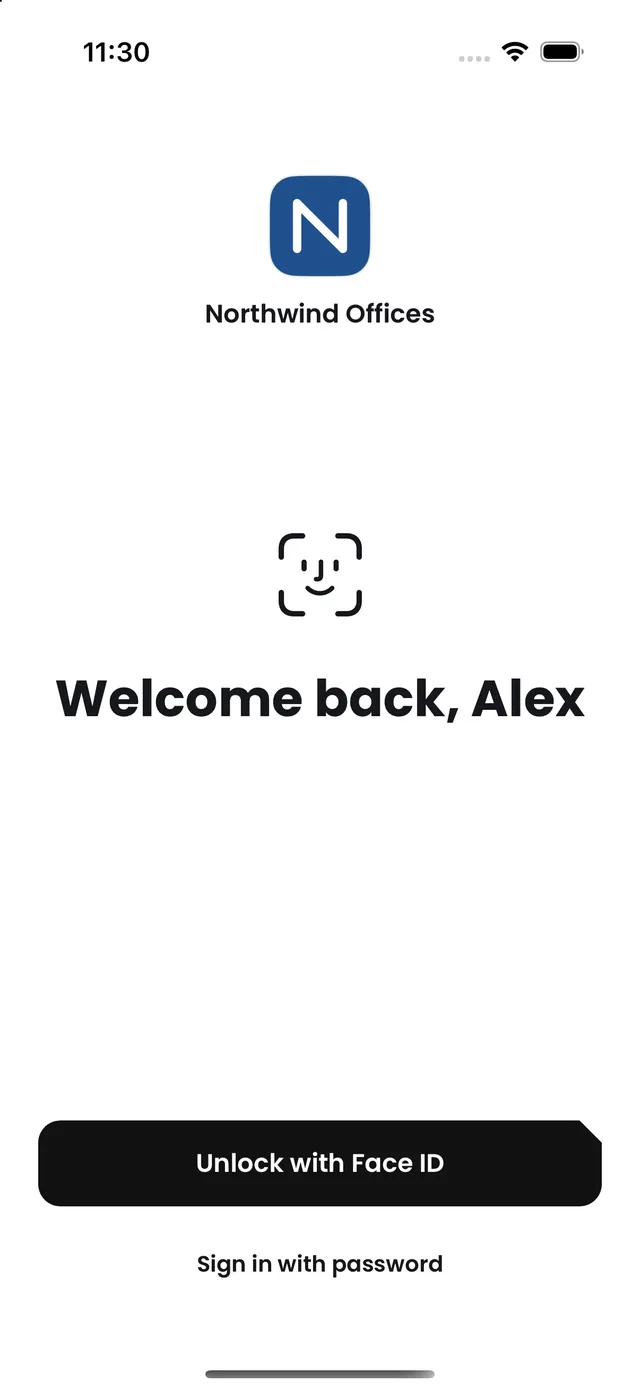
Unlock
Open in a glance.
Face ID or a fingerprint opens the app, with your organization's name on the screen. A password is always there as a fallback.
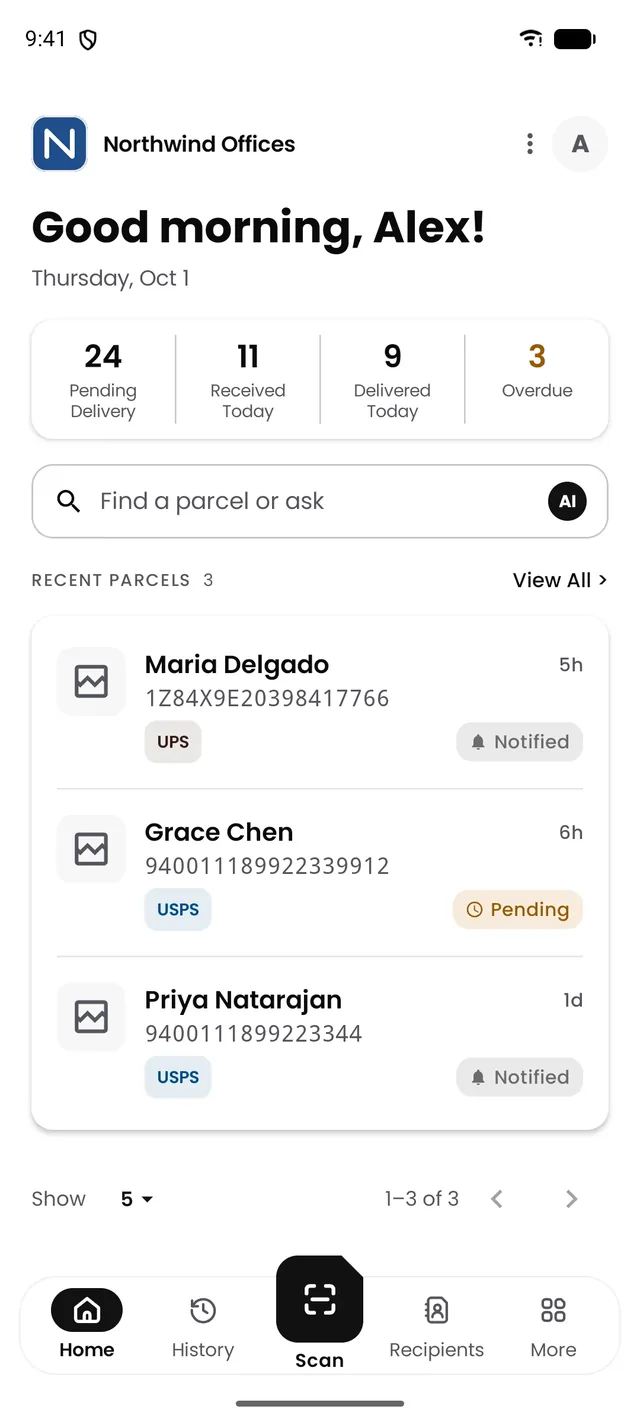
Android
Parcels on Android, too.
Receiving, delivery and lookup work the same way on Android, so the whole team handles parcels alike. Mail and visitors are on iPhone, iPad and the web.
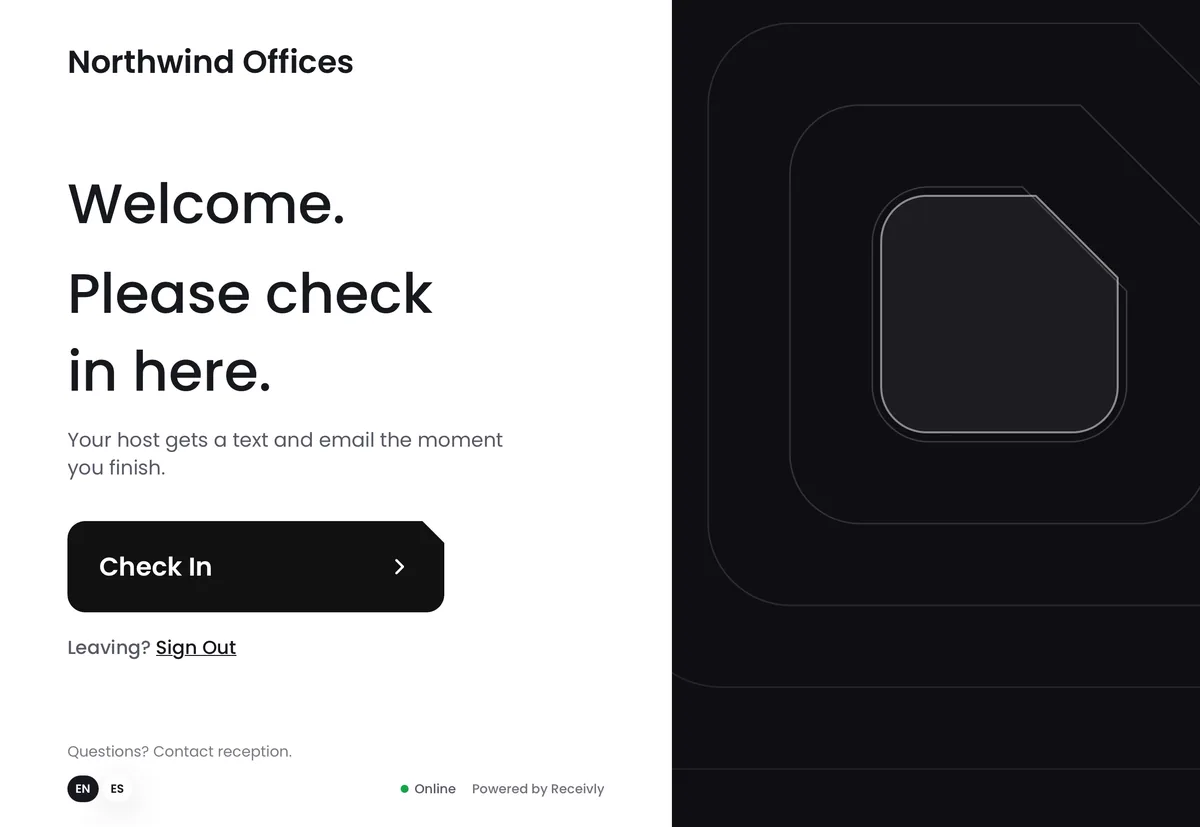
iPad
The front desk, on a bigger screen.
Parcels, mail and visitors on a bigger screen. The same iPad can run your lobby check-in kiosk.
Made for people on their feet.
Works offline
Keeps receiving when the Wi-Fi drops, and catches up after.
Your Home, your way
Show what matters to your team first.
English and Spanish
The whole app, in either language.
Same account
Your Receivly login. Nothing new to set up.
Label printing
A shelf label for every parcel on a Brother printer, over Wi-Fi or Bluetooth.
Light and dark
Follows your phone's appearance, or pick one.
Workplace chain of custody
One record for everything that comes in.
Parcels, mail and visitors share one directory and one record, across every site. Start with one, and add the others to the same account when you are ready.
Put Receivly in every hand.
Staff sign in with their Receivly account. New to Receivly? Start with a short demo.