Medical and healthcare offices
Supplies to the
right department.
Deliveries logged on arrival, the right team notified at once, and a signed record of every handoff, so the front desk can get back to patients.
Sound familiar?
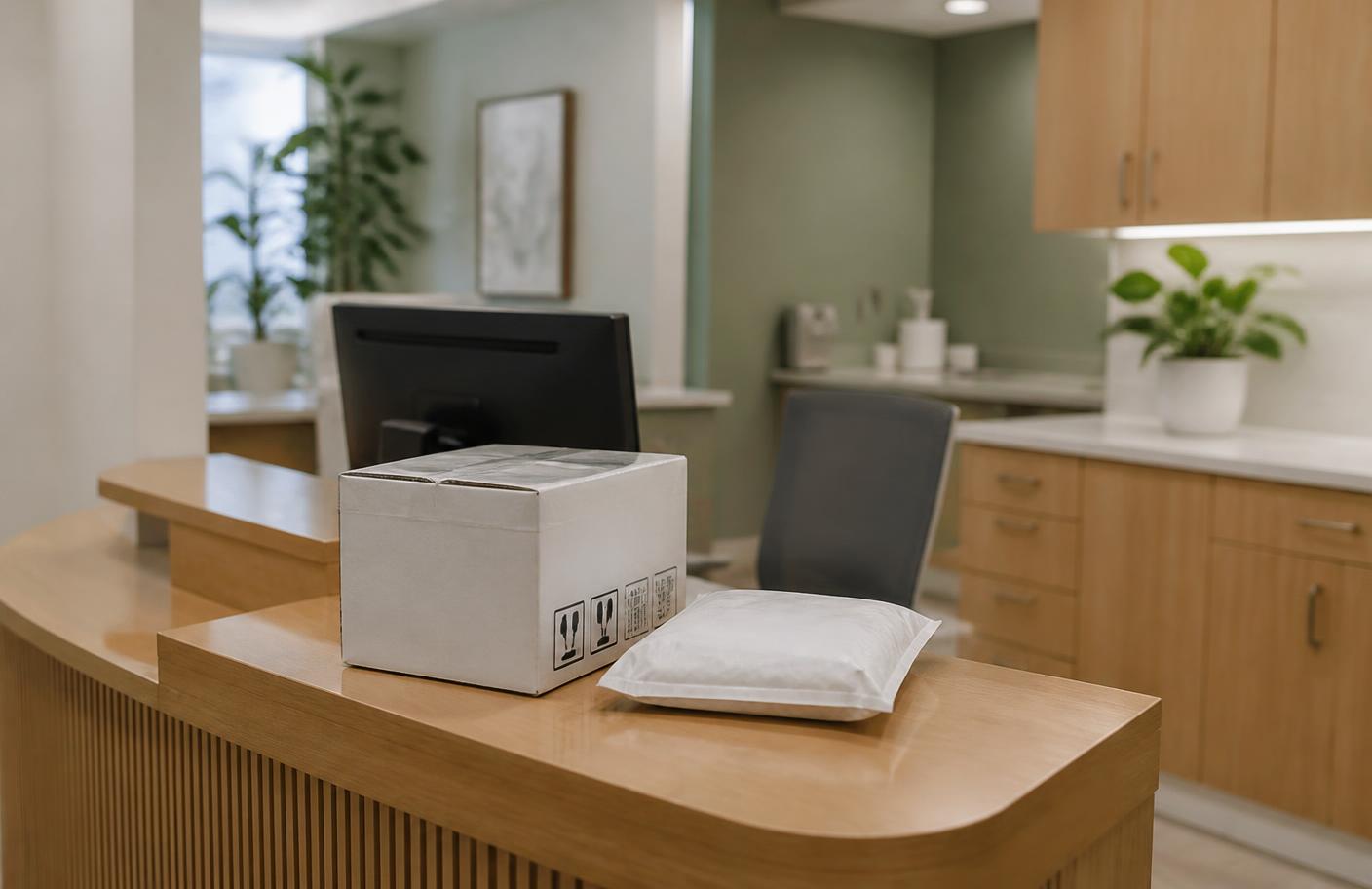
Time-sensitive supplies wait at the front desk while staff see patients.
A delivery for one department ends up in another.
No one can prove when a box arrived or who took it.
Arrives
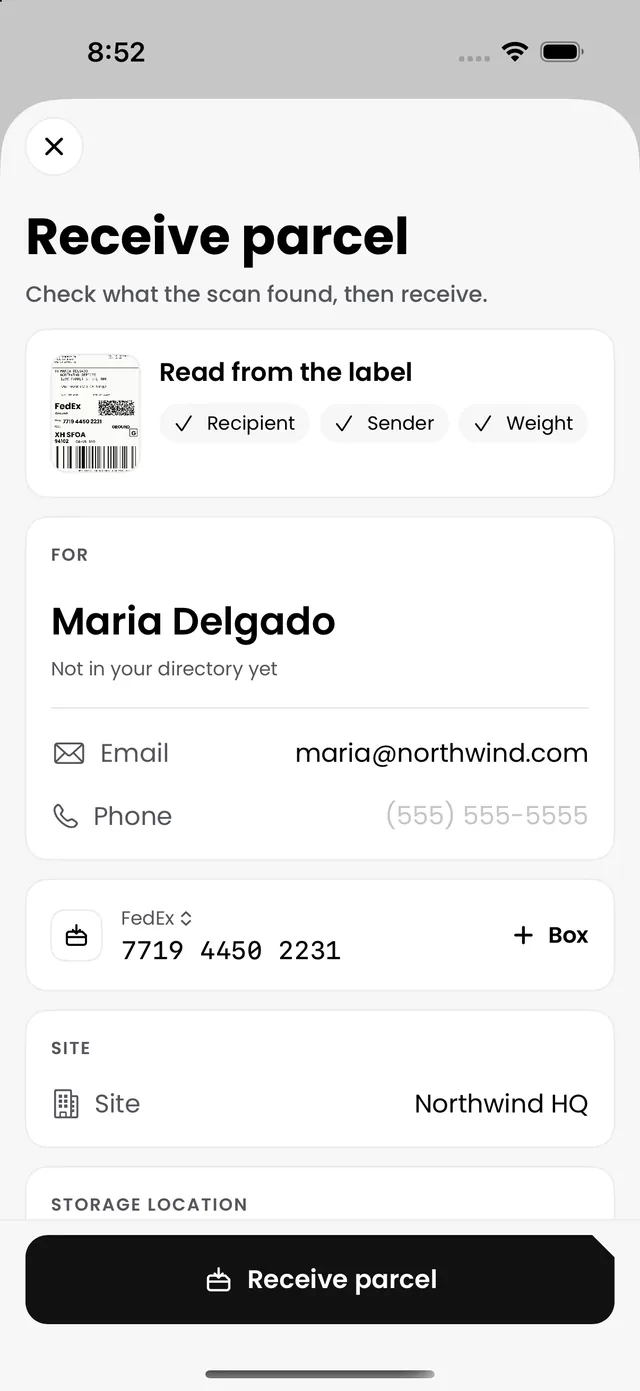
Logged between patients.
Scan the label on a phone and the recipient is matched in seconds. No extra hardware at the desk.
Notify
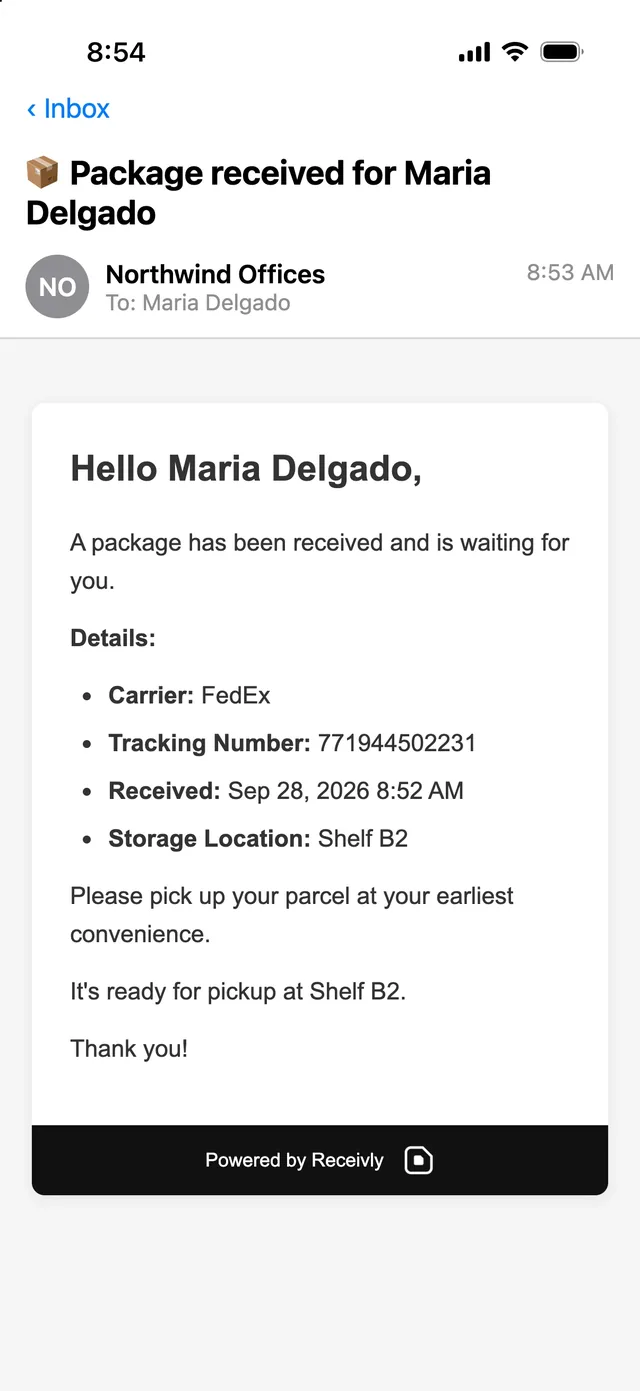
The right team knows.
The person or department it is for gets an email or a text the moment it is logged, with where to collect it.
Hand over
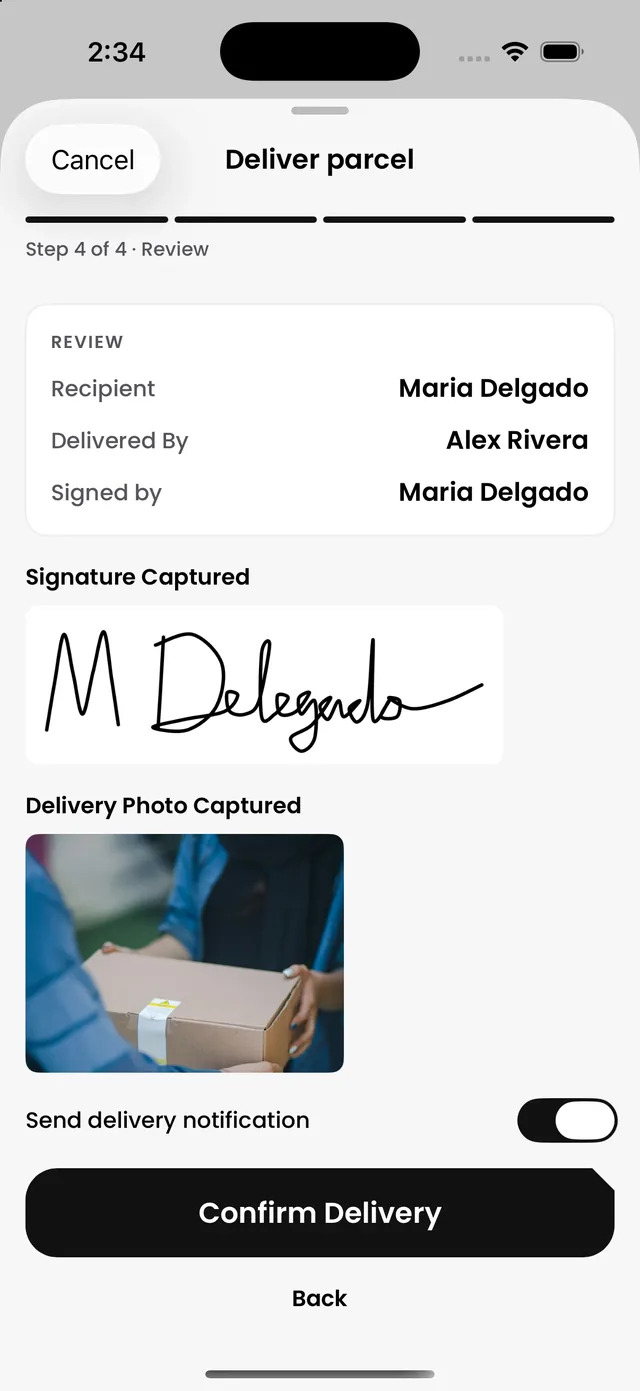
Proof on every handoff.
A signature, a photo and the time on every pickup, and condition photos when a box arrives damaged.
- Signed, photographed and timed
- Damaged deliveries documented on arrival
Workplace chain of custody
Everything that comes into your practice. Accounted for.
Parcels, mail and visitors share one directory and one record, across every site. Start with one, and add the others to the same account when you are ready.
Also built for a busy practice.
Expected parcels
Know what is on its way before it arrives (Pro and up).
Reminders
Uncollected deliveries follow up on their own.
Interoffice delivery
Deliveries around your buildings, by floor and department (Pro and up).
Every location
Run several clinics from one account.
Visitor Management
Vendors and contractors checked in at an iPad (add-on).
English and Spanish
For your staff and the people you notify.
Questions
Can we run several offices from one account?
Yes. Each site has its own view, and admins see all of them.
What happens when a box arrives damaged?
Staff add photos or a short video of its condition when they log it, so there is a record before anyone opens it.
What do we need at the front desk?
A phone, tablet or computer with a camera is enough to start. A label printer is optional.
Give your front desk its time back.
See Receivly on your own deliveries in a short demo.