Store
A label on
every parcel.
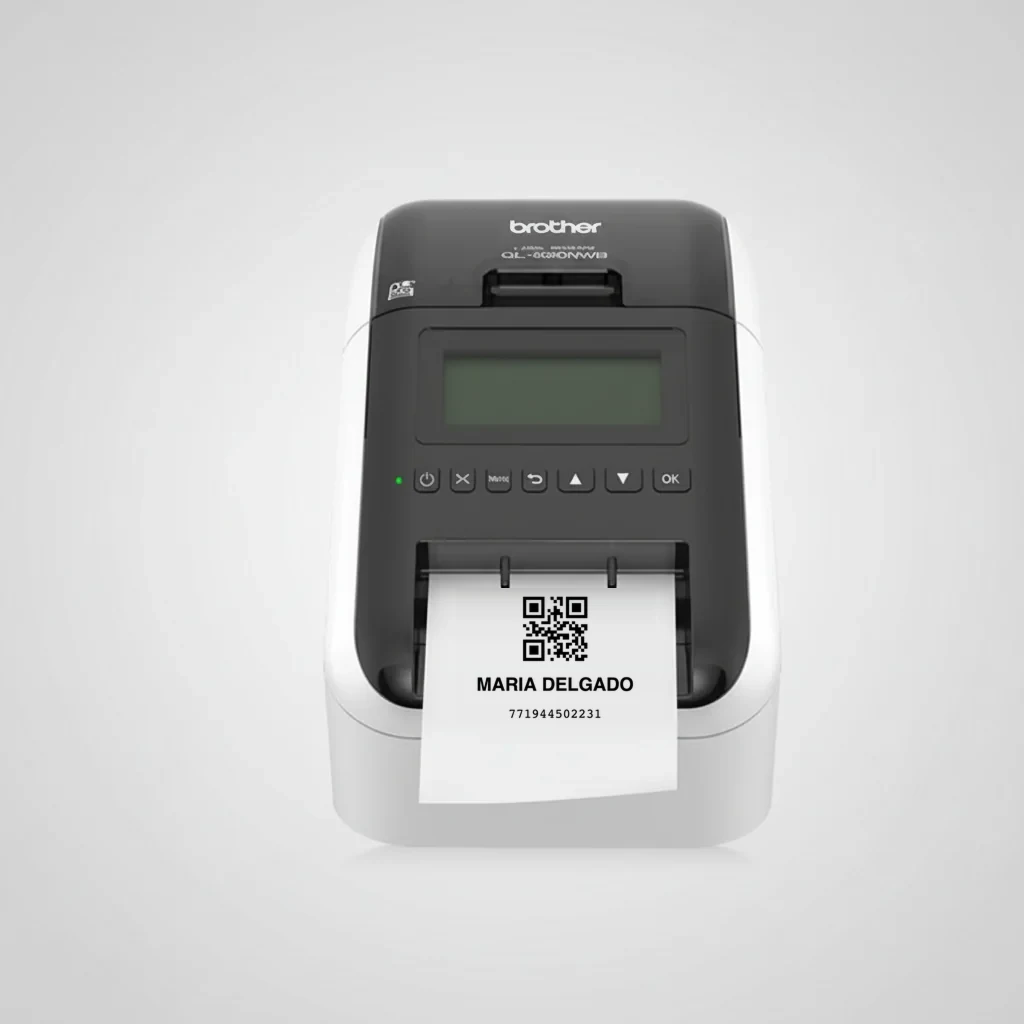
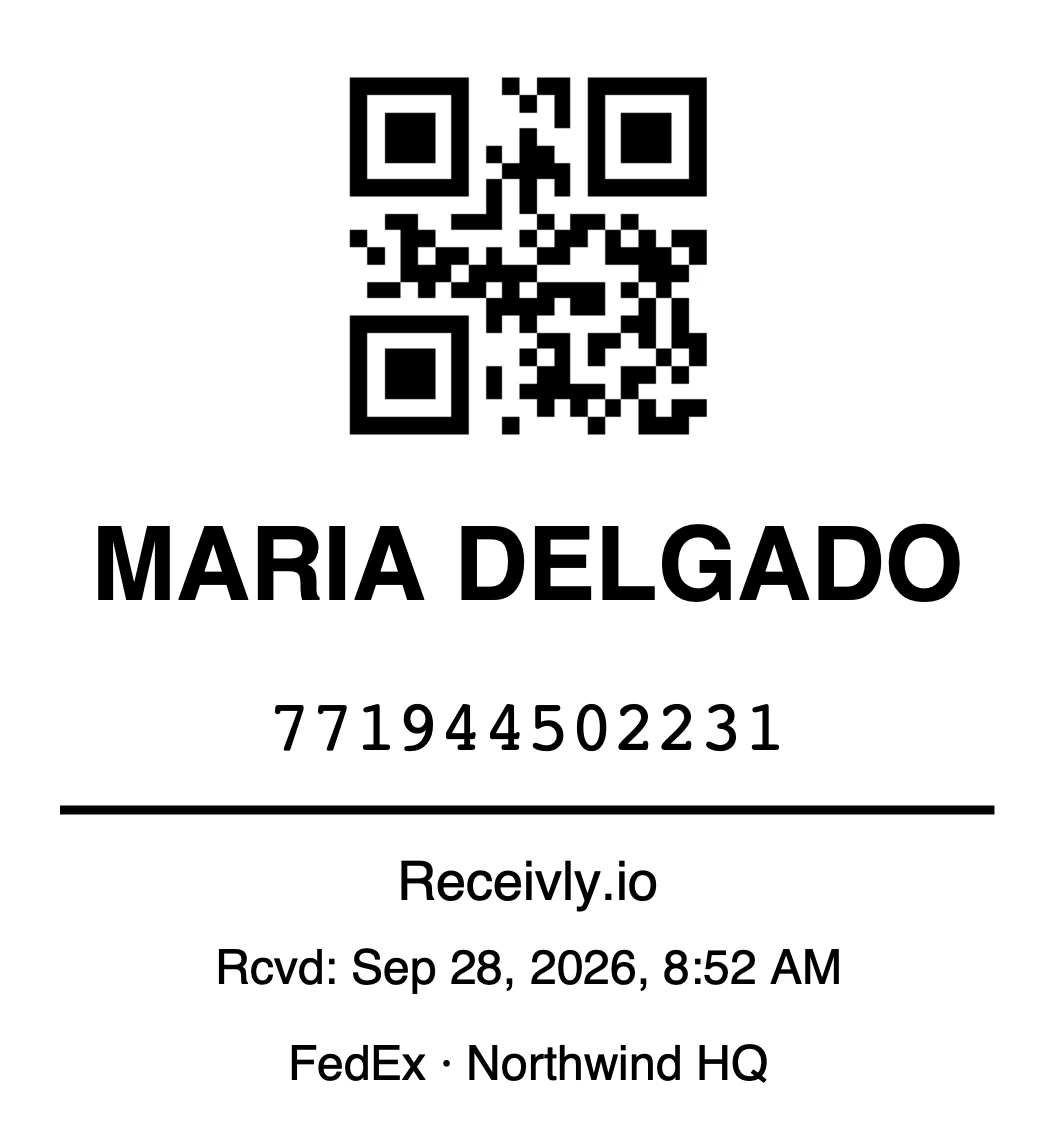
Receivly prints a shelf label as each parcel is received, straight from the phone or iPad. Here is the printer and the labels that go with it.
Label printing
Built into the app.
Prints as the parcel is received
Turn on automatic printing and a label comes out the moment staff tap Receive.
Everything the shelf needs
A QR code, the recipient's name, the tracking number, when it arrived, the carrier and the site.
Scan it to find the parcel
The QR code on the label opens the parcel in the app, ready to deliver.
One label per box
Multi-box deliveries get a label for every box.
iPhone, iPad and Android
Connect over Wi-Fi or Bluetooth, from the same phones your team already uses.
Visitor badges too
The iPad lobby kiosk prints a badge for each visitor (Visitor Management add-on).
The printer.
Brother QL-820NWB
A wireless thermal label printer for busy front desks and mailrooms. No ink to replace.
- Wi-Fi, Bluetooth and USB
- Automatic cutter
- Uses 62 mm DK label rolls
- Works with the Receivly apps
Labels.
Genuine Brother rolls for the QL-820NWB.
Outfitting several desks?
Tell us how many sites and printers you need, and we will put together pricing for the whole order.