


Choosing a system for your mailroom
A practical guide to comparing options, testing them against your real receiving flow, and the questions to ask any vendor before you commit.
Read the guideWorkplace chain of custody
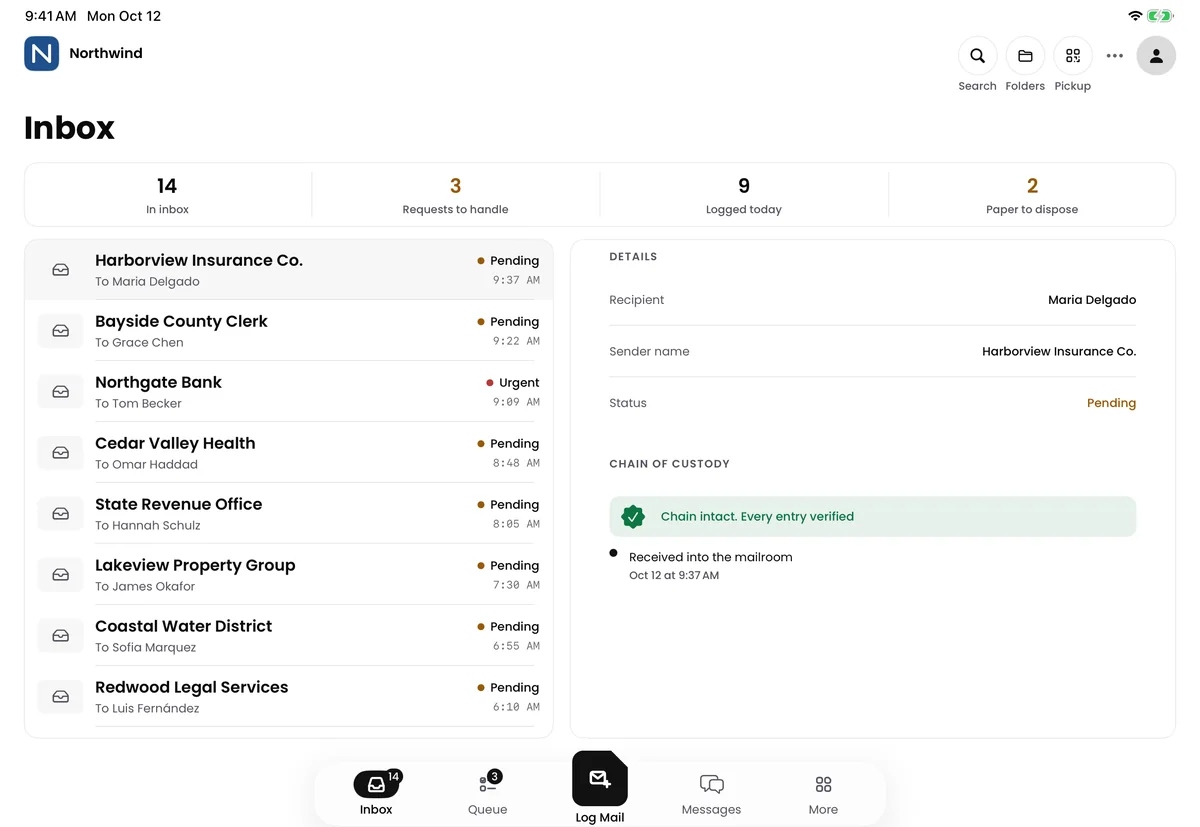
Parcels, mail and visitors, from the front door to the right person, with proof at every handoff. One platform for every site you run.
Parcelsatthedock.Lettersatthedesk.Guestsinthelobby.Everyonelogged,senttotherightpersonandhandedoverwithproof.
Chain of custody
Three questions every workplace should answer in seconds. Receivly answers them for everything that comes through the door, at every site.
Parcel
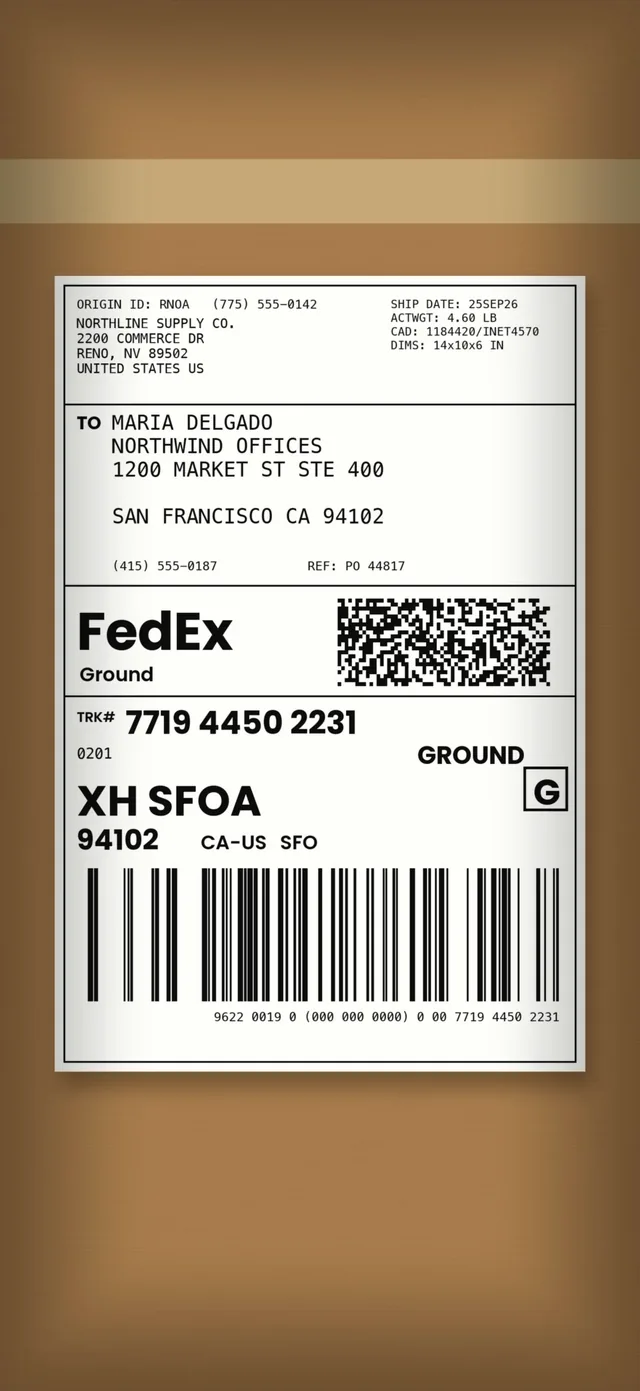
FedEx box for Maria Delgado
Arrives
Industries
Wherever things arrive and someone has to answer for them.
The platform
Start with what lands at your door most. Add the rest on the same account whenever you are ready.
Digital Mailroom and Visitor Management work with any Receivly parcel plan, or on their own.
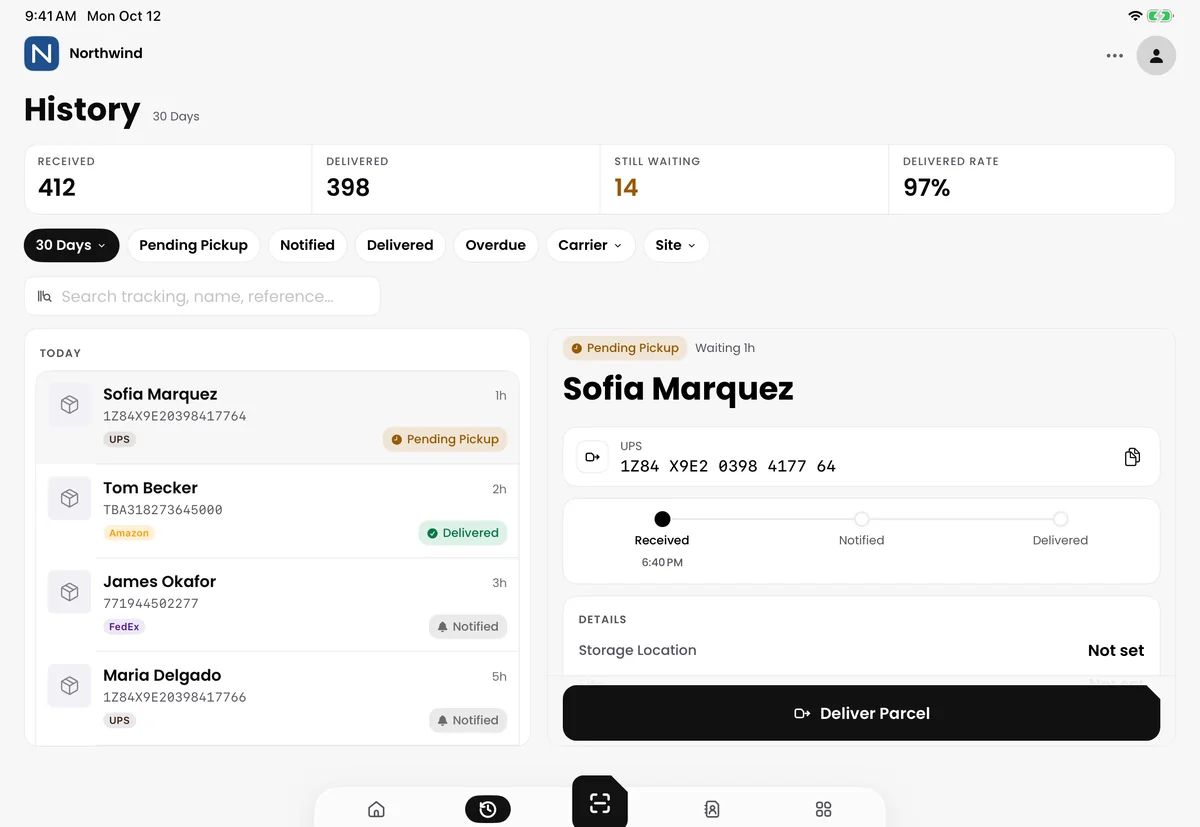
iPad
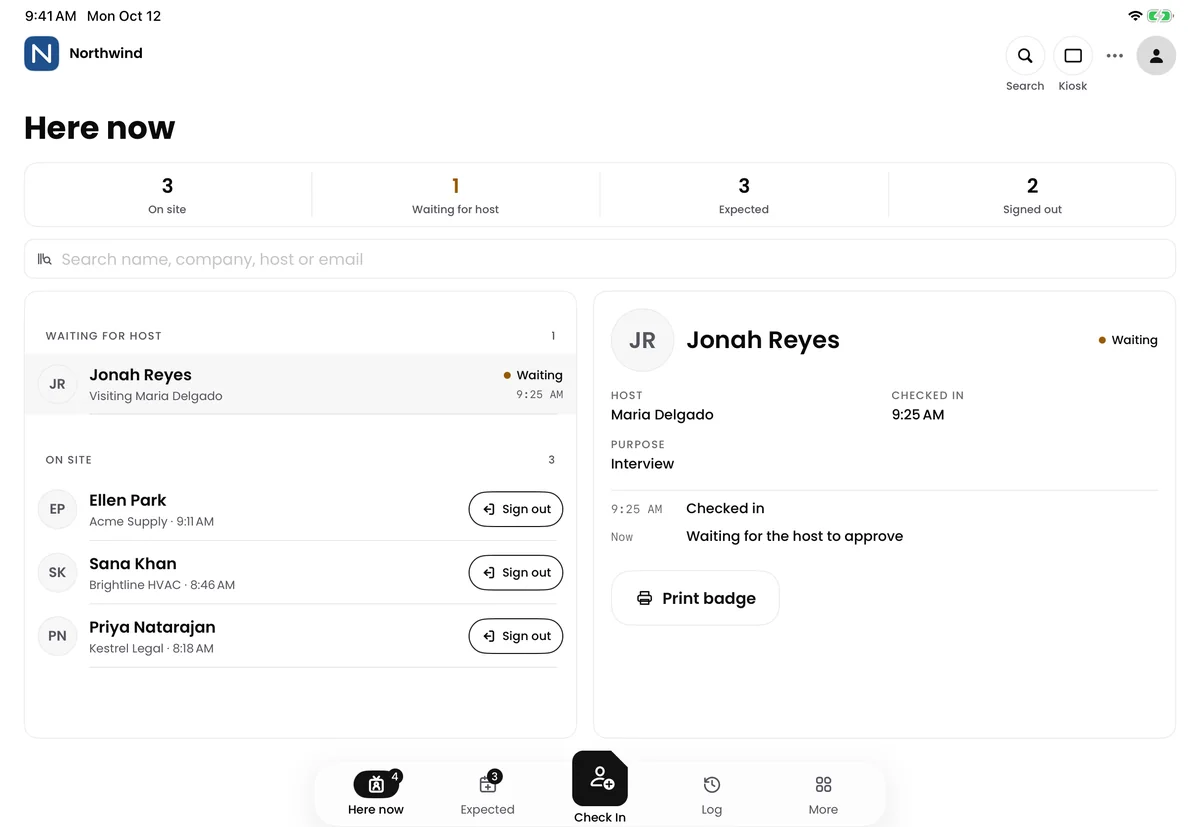
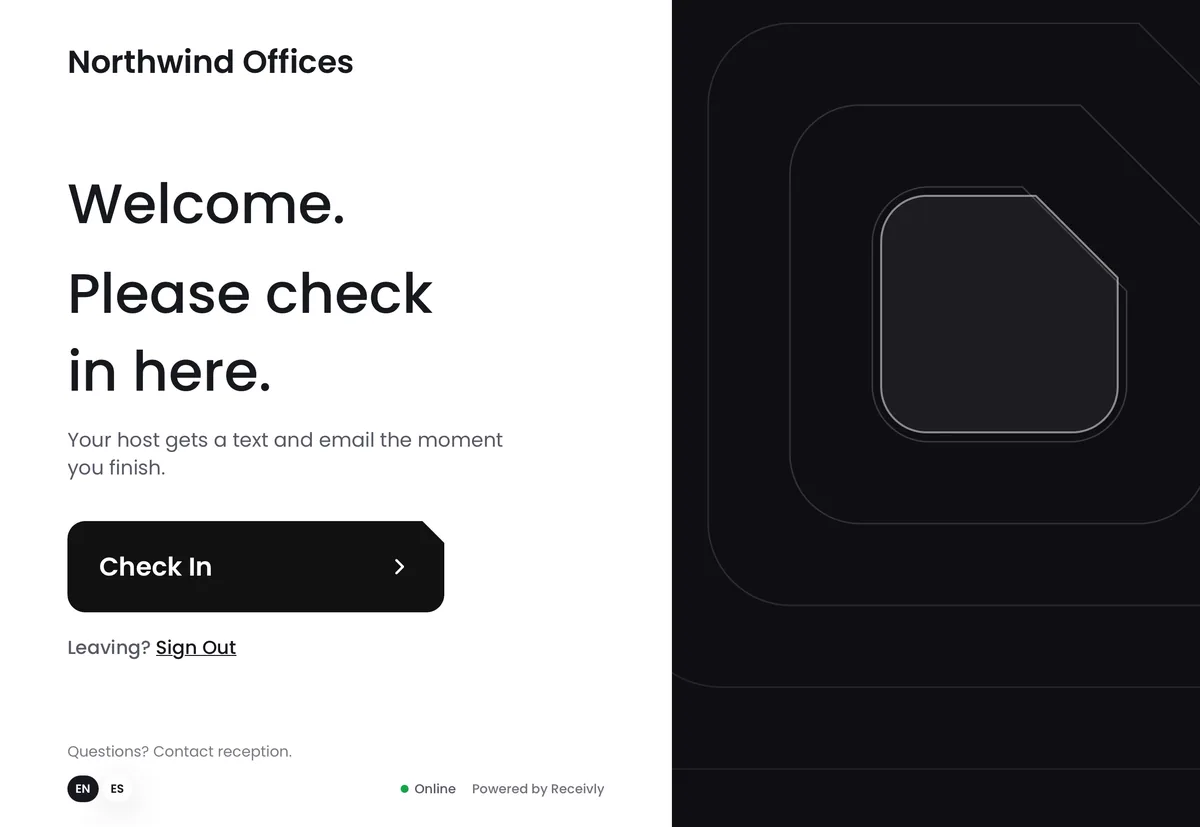
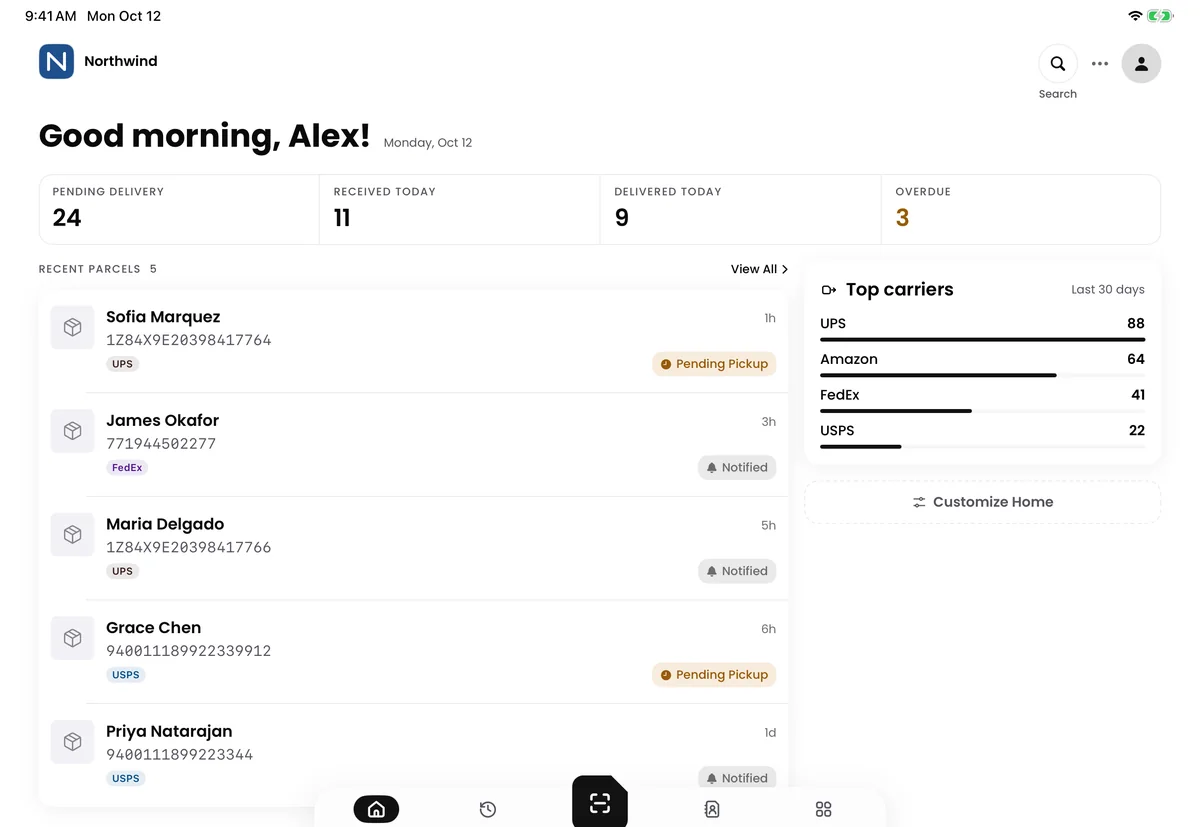
Who is on site, who is waiting and who is expected.
One parcel's chain of custody
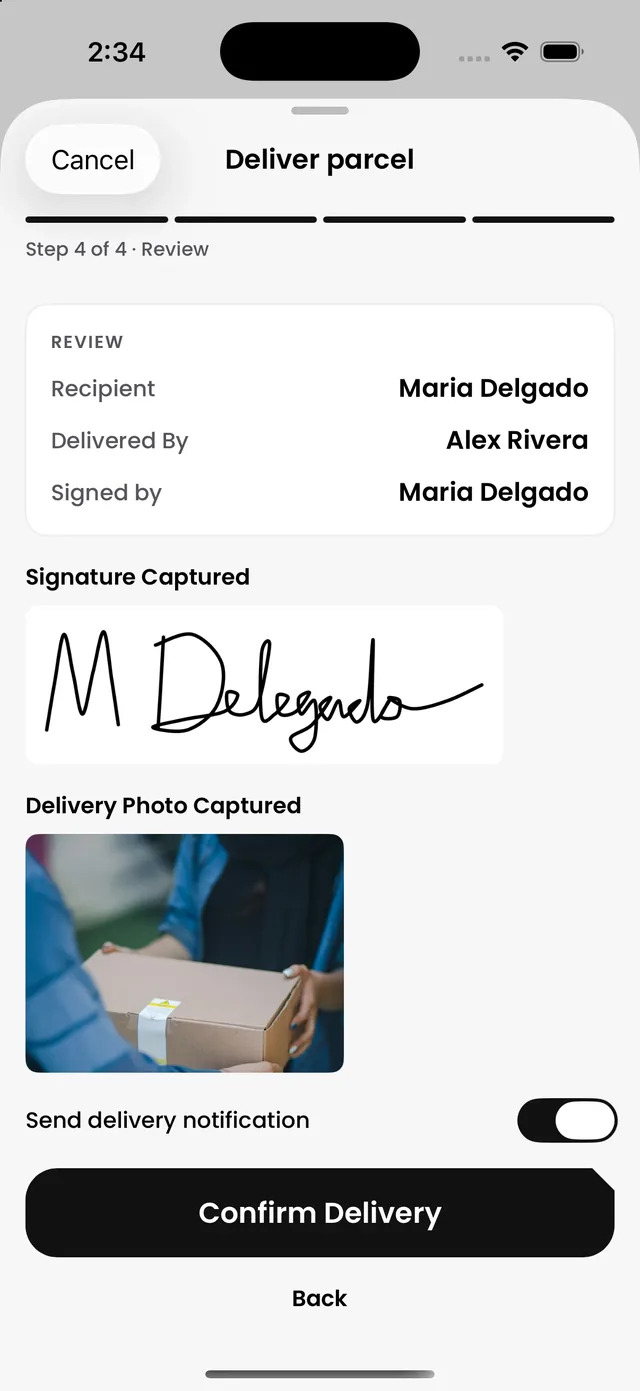
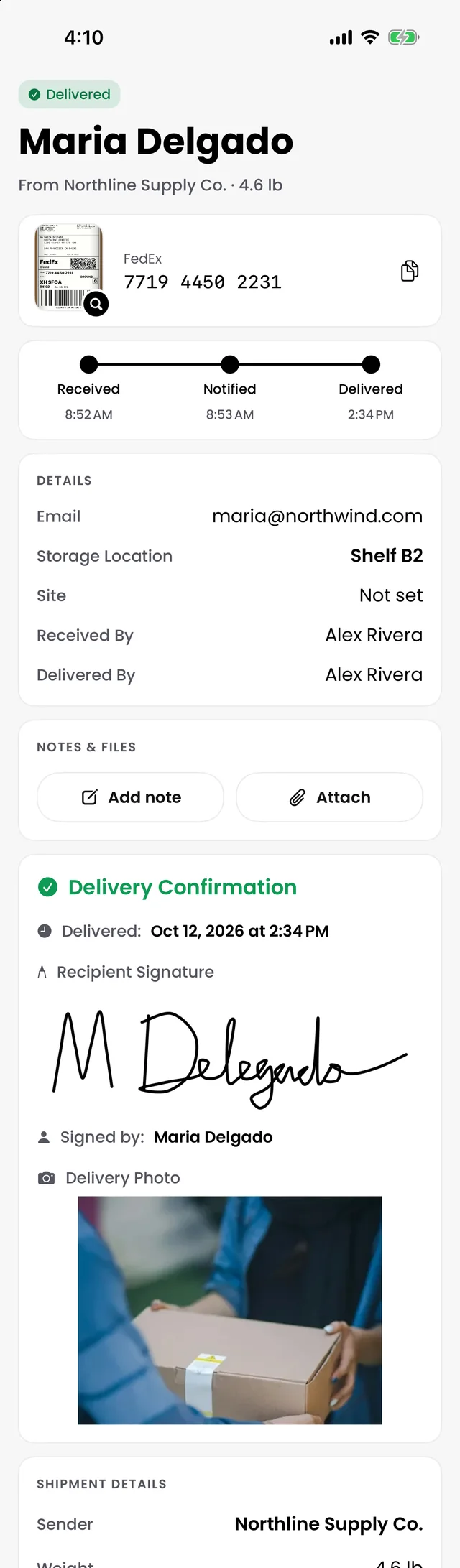
One FedEx box for Maria Delgado, from the dock to her desk.
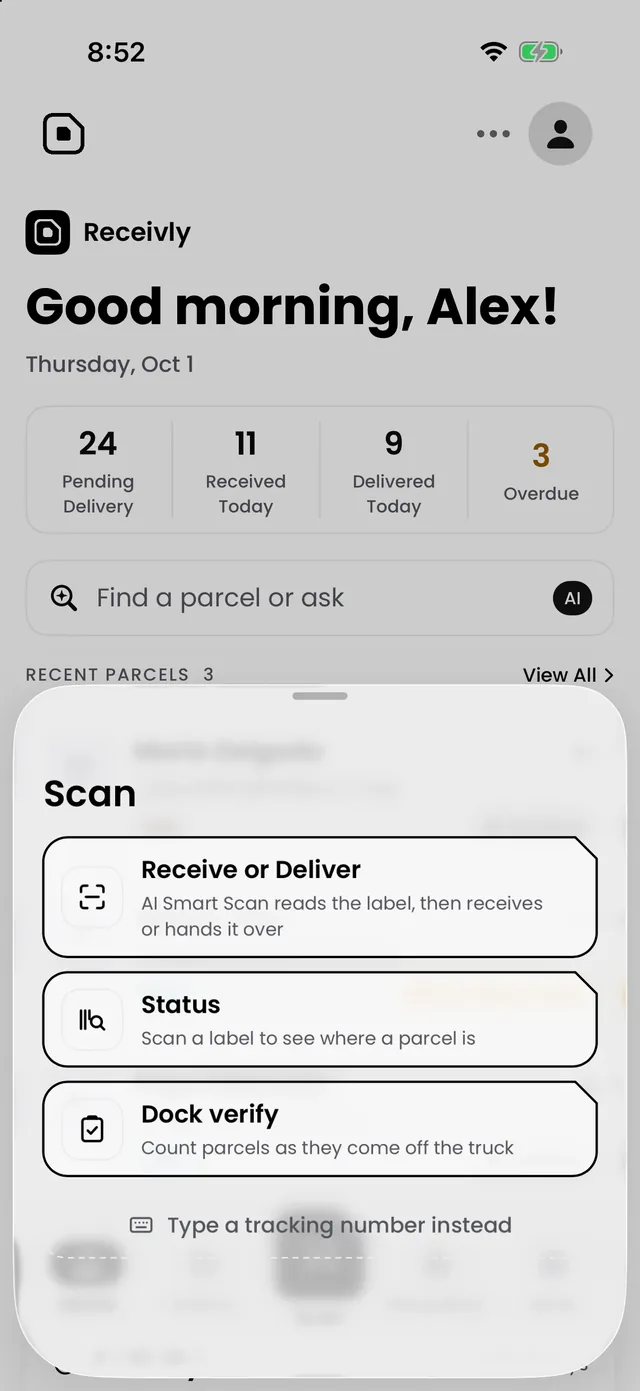
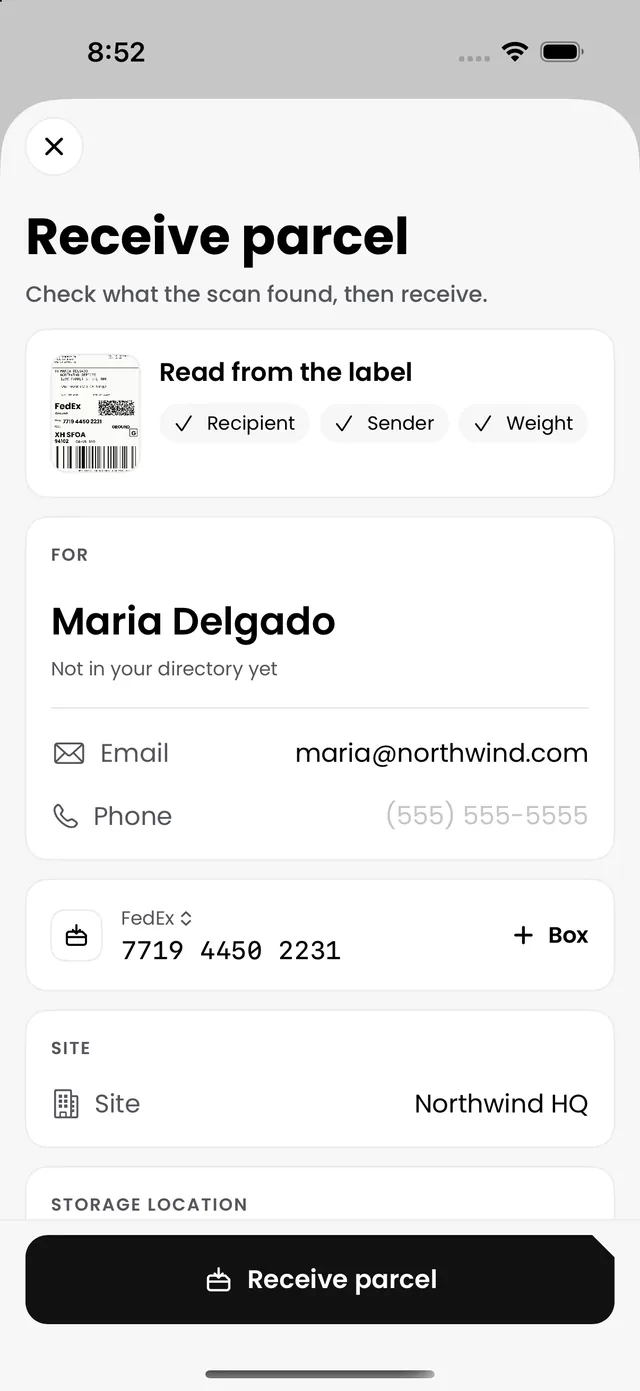
8:52 AM
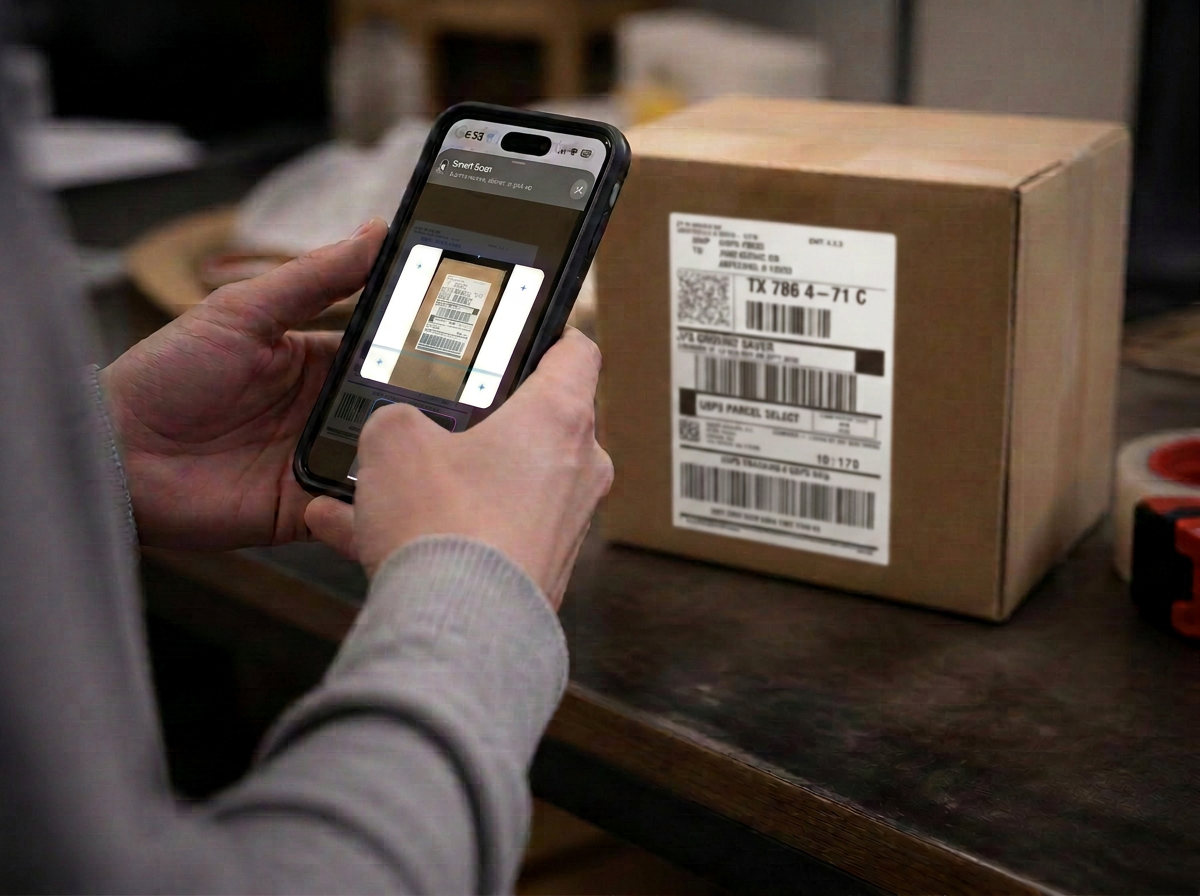
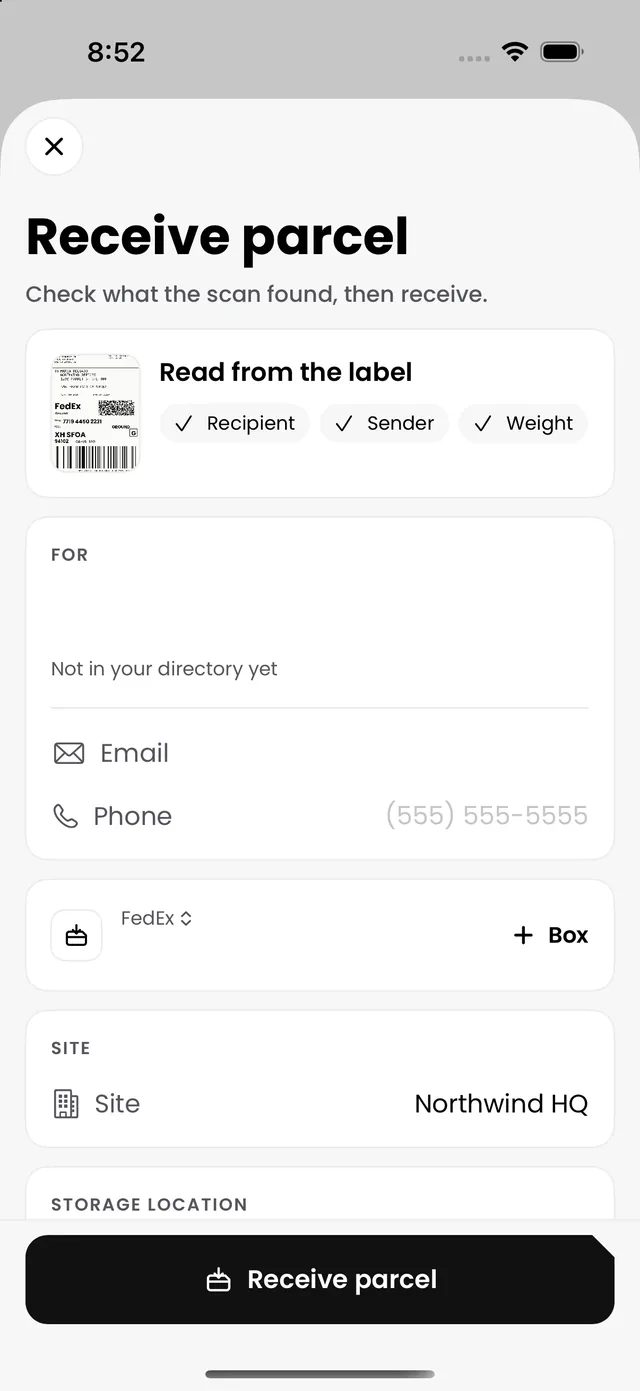
One look at the label and AI Smart Scan has the carrier, the tracking number and the recipient. Nobody types a thing.
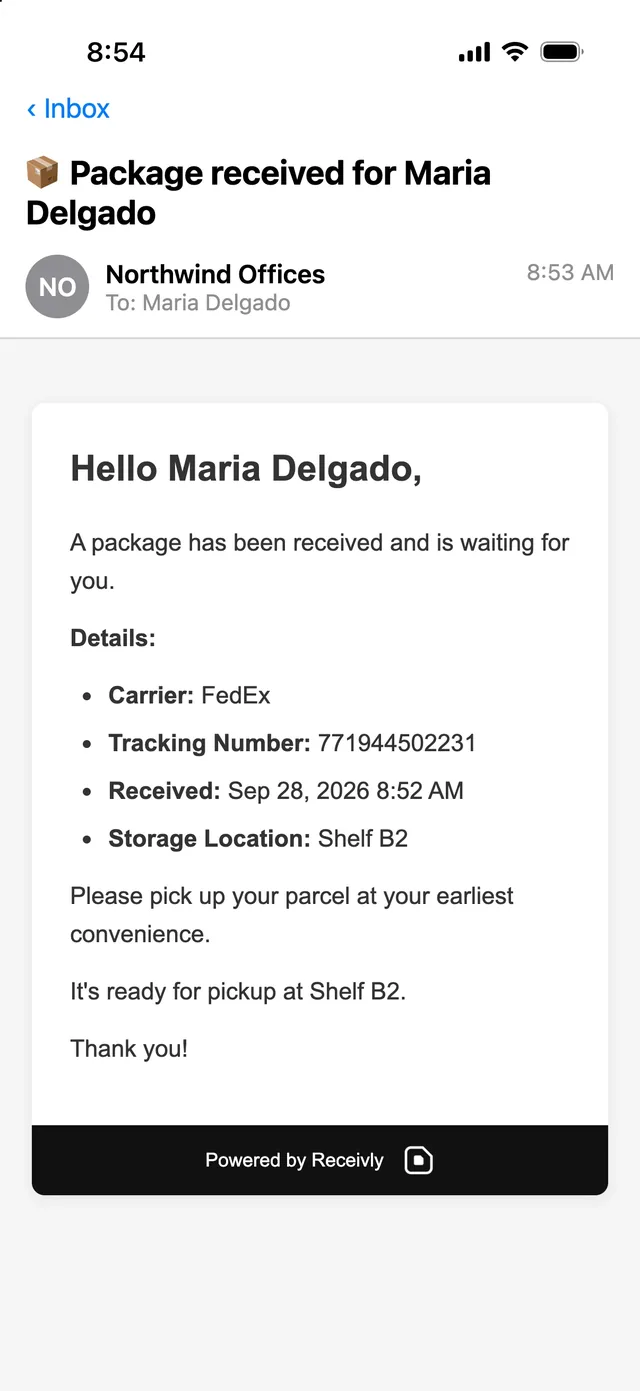
8:53 AM
The moment it's logged, Maria gets a text and an email with the carrier, the tracking number and where to pick it up.
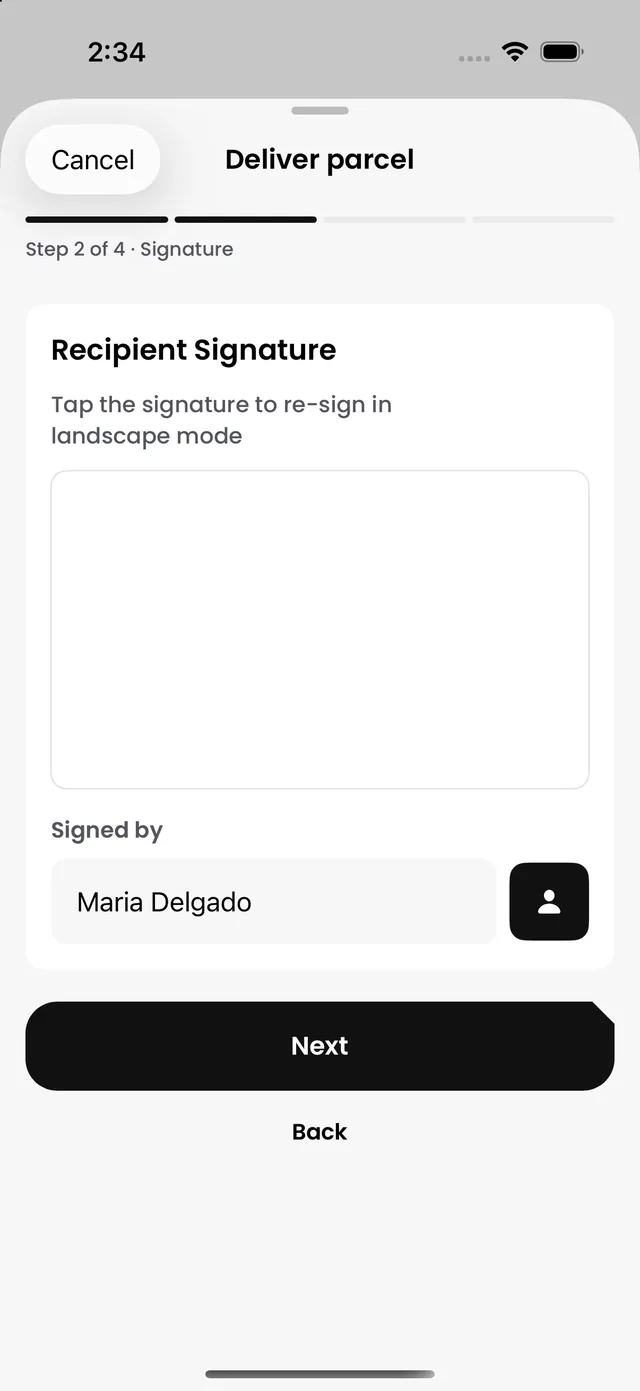
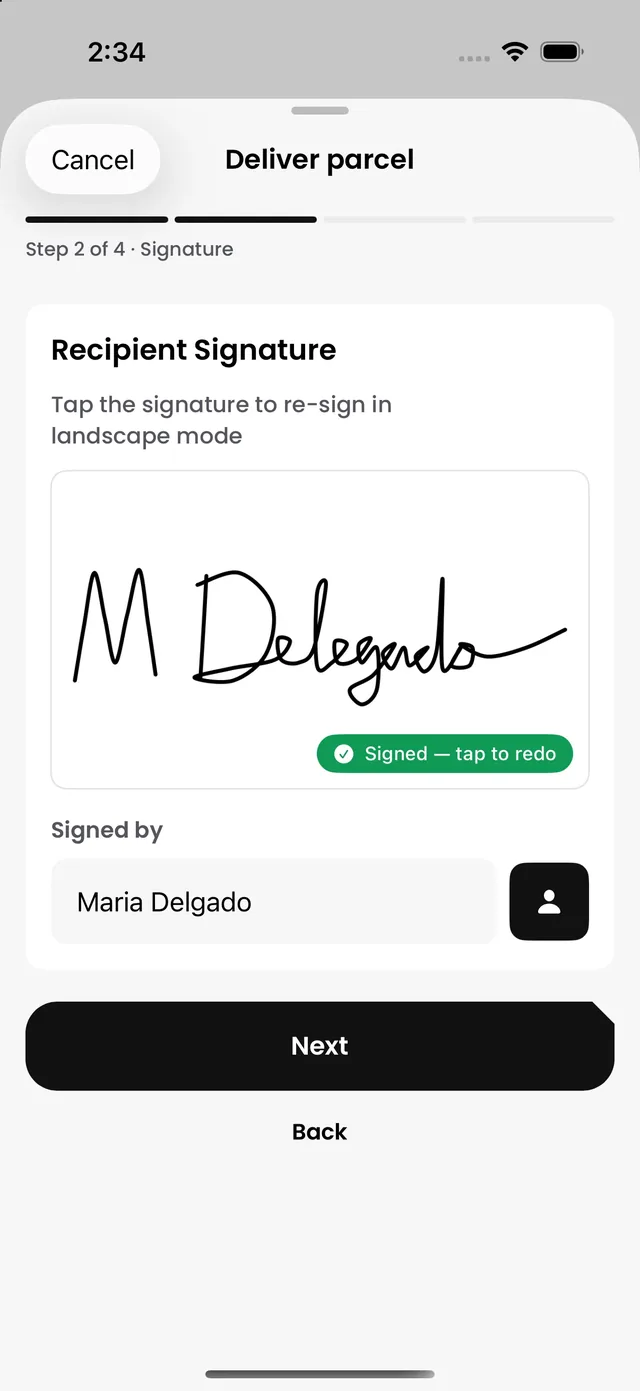
2:34 PM
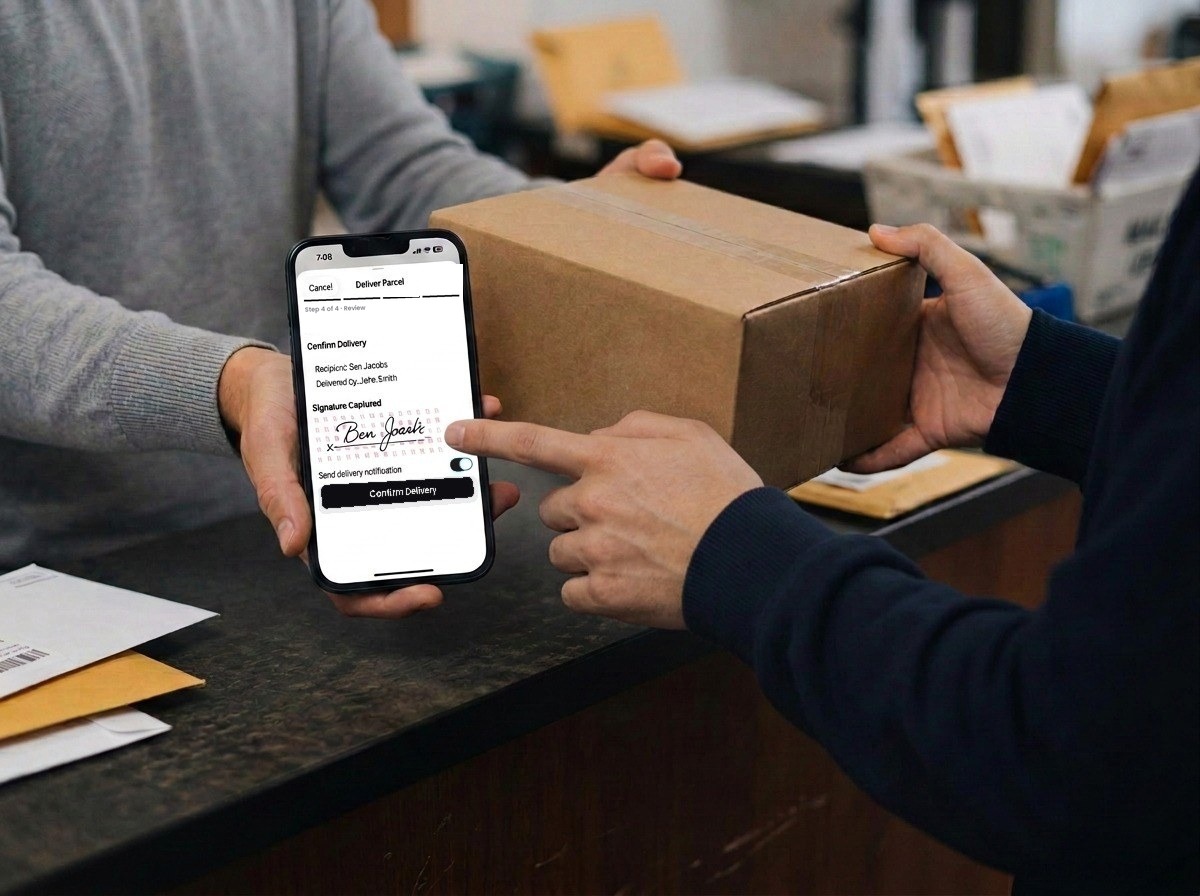
She signs on the phone, a photo is taken, and the handover is recorded with the time.
Any time
Who received it, who took it and their signature stay on the parcel's record for as long as you keep it.
Why Receivly
Signature, photo and time on every handoff, so “I never got it” always has an answer.
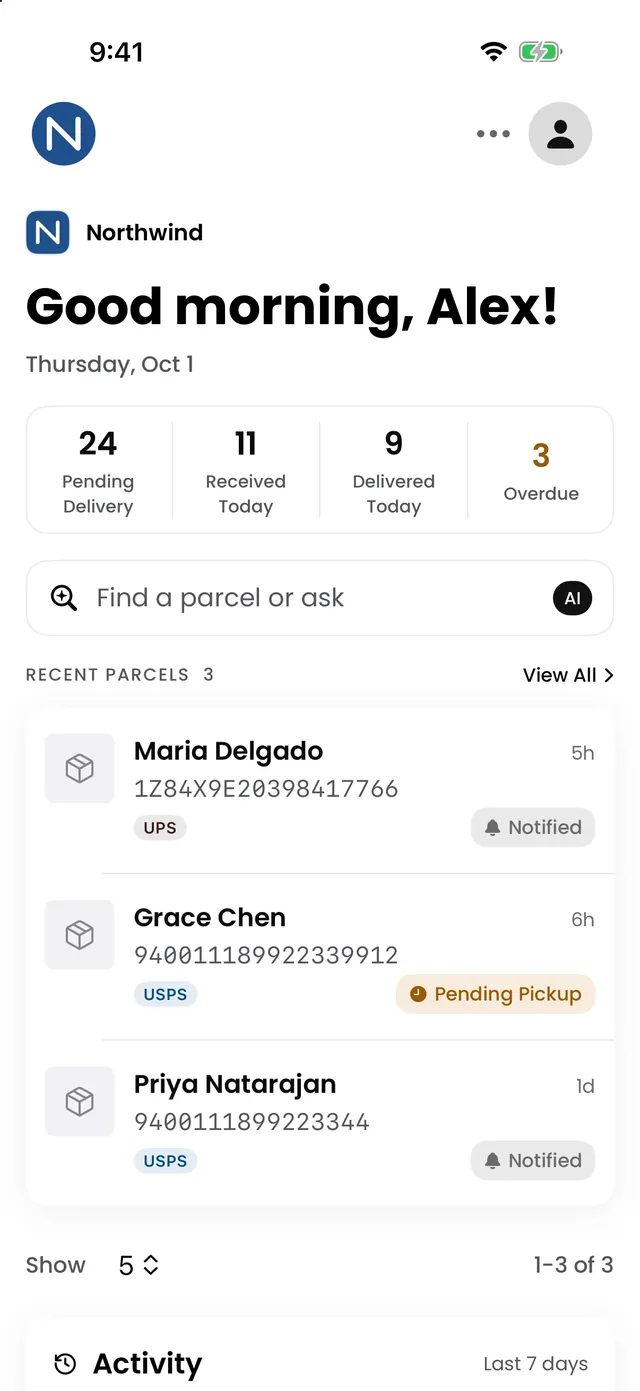
Search everything that came in, or ask Reva, your AI assistant: “Anything waiting for Box 101?”
The full history of every parcel, letter and visit, with an activity log and scheduled reports.
Run several buildings and front desks from one account.
Logging and check-in carry on when the Wi-Fi drops.
A shelf label for every parcel and a badge for every guest, printed on the spot.
A practical guide to comparing options, testing them against your real receiving flow, and the questions to ask any vendor before you commit.
Read the guideWhen hardware helps and when the software record still matters.
Read the guideA 30-minute walkthrough with your real parcels, mail and visitors. Qualified teams start a 30-day trial right after.