Visitor Management
Know who's in your building. Prove it when it matters.
Self-service check-in on an iPad, instant host alerts, and a complete visitor record, in the same Receivly platform your team already uses for parcels and mail.
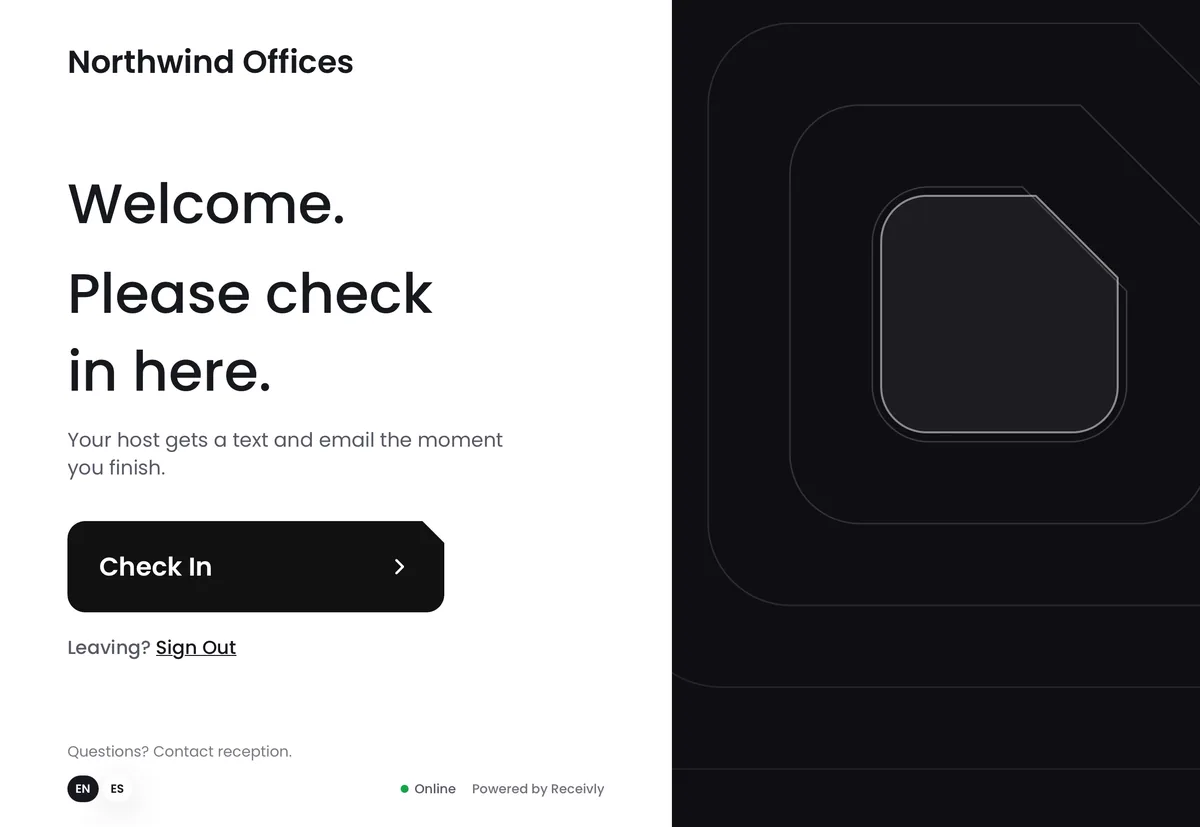
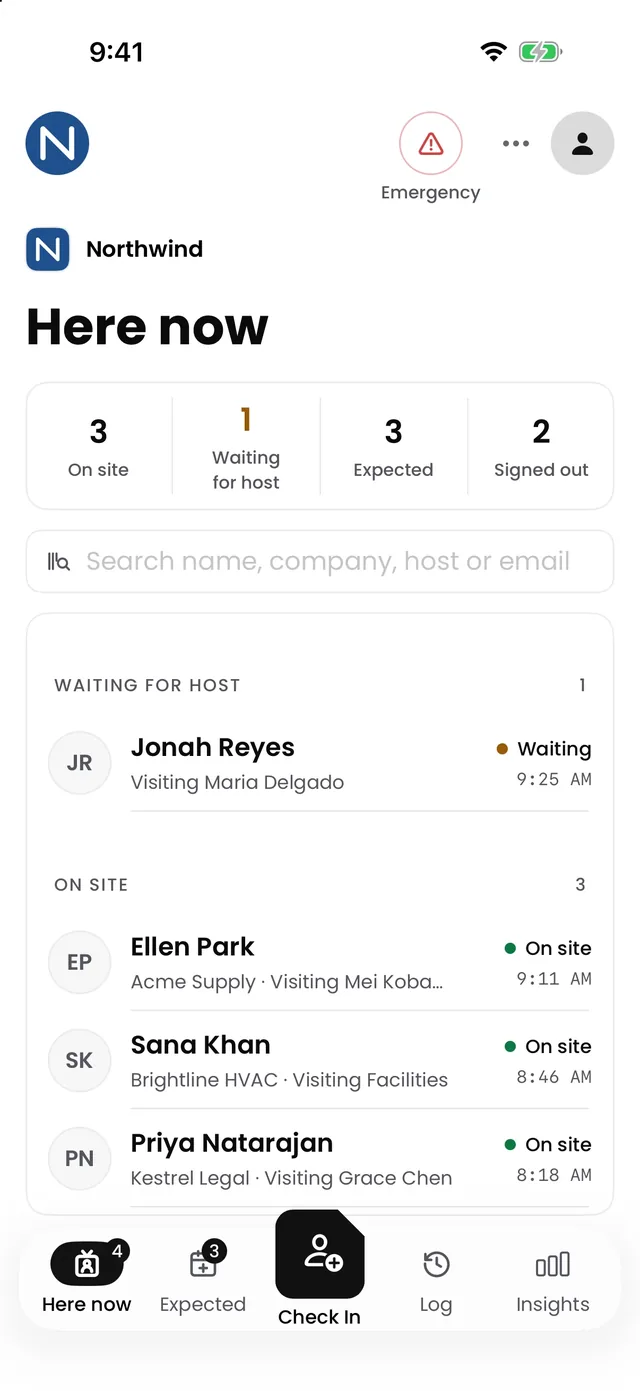
- Visitors check themselves in
- Works offline
- iPad kiosk + iPhone app + web
- Records kept as long as you choose
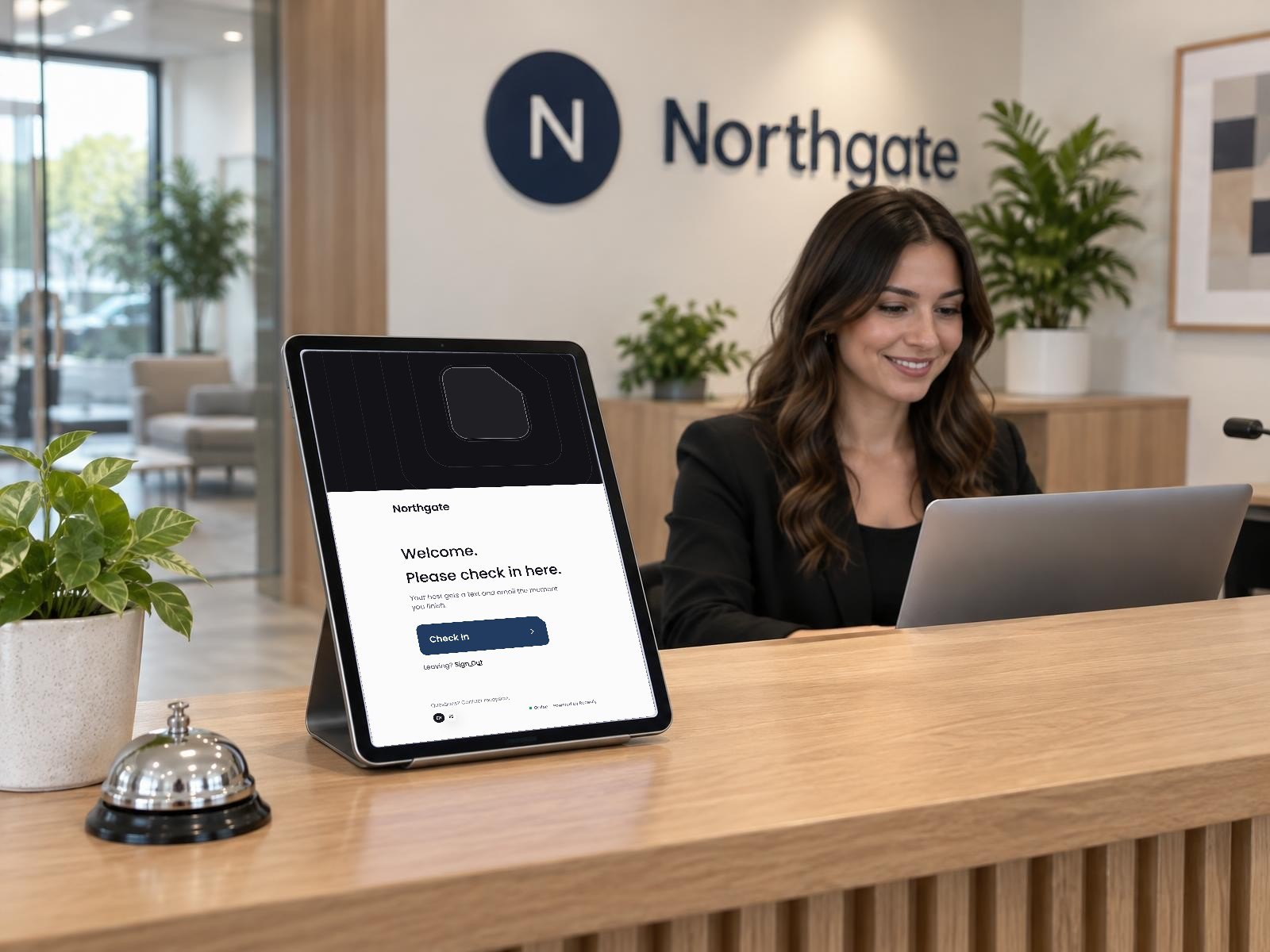
Every visit, accounted for
Who was on site, when, and did they follow your rules? Receivly answers it automatically.
Security
A timestamped record of every visitor and who they came to see, ready when an auditor asks.
Safety
Know exactly who is on site right now, so everyone is accounted for in an emergency.
Confidentiality
Visitors sign your NDA or policies before they get past the lobby.
Privacy
You decide how long visitor records are kept. Older ones are cleared automatically.
A check-in your visitors will actually enjoy
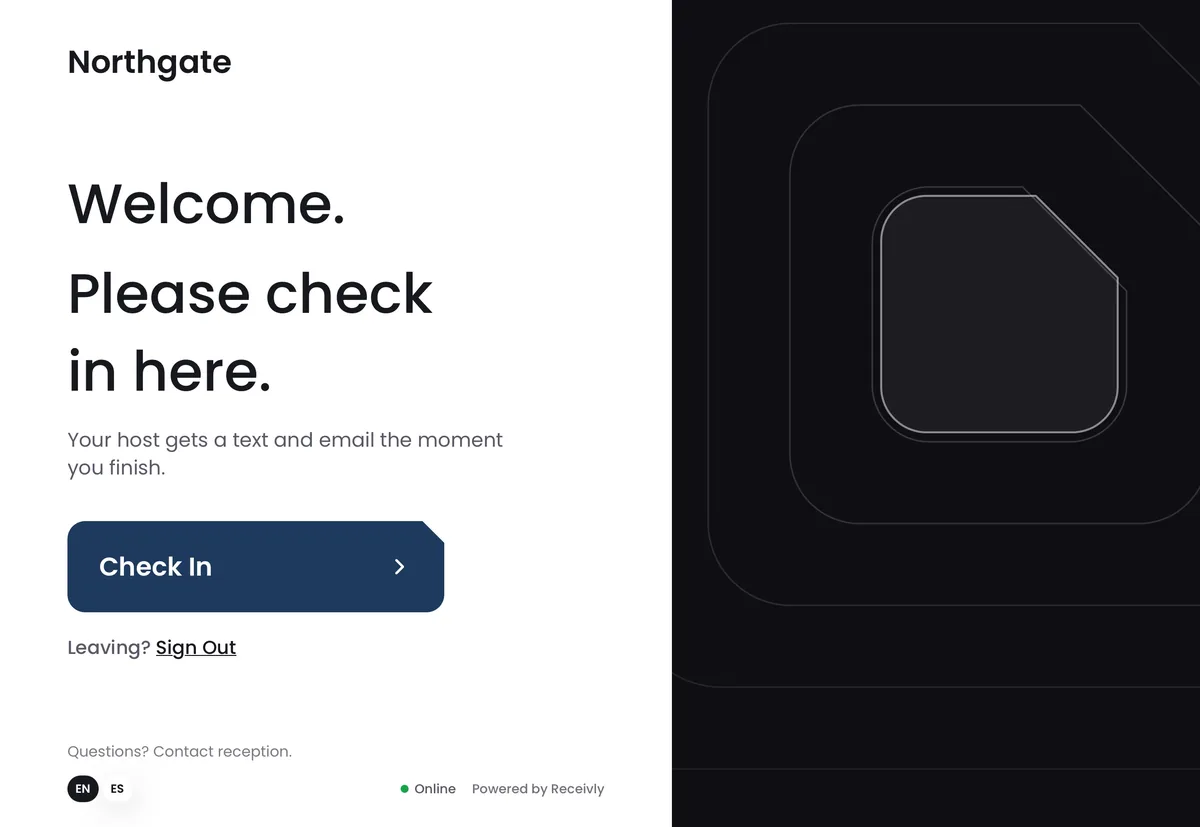
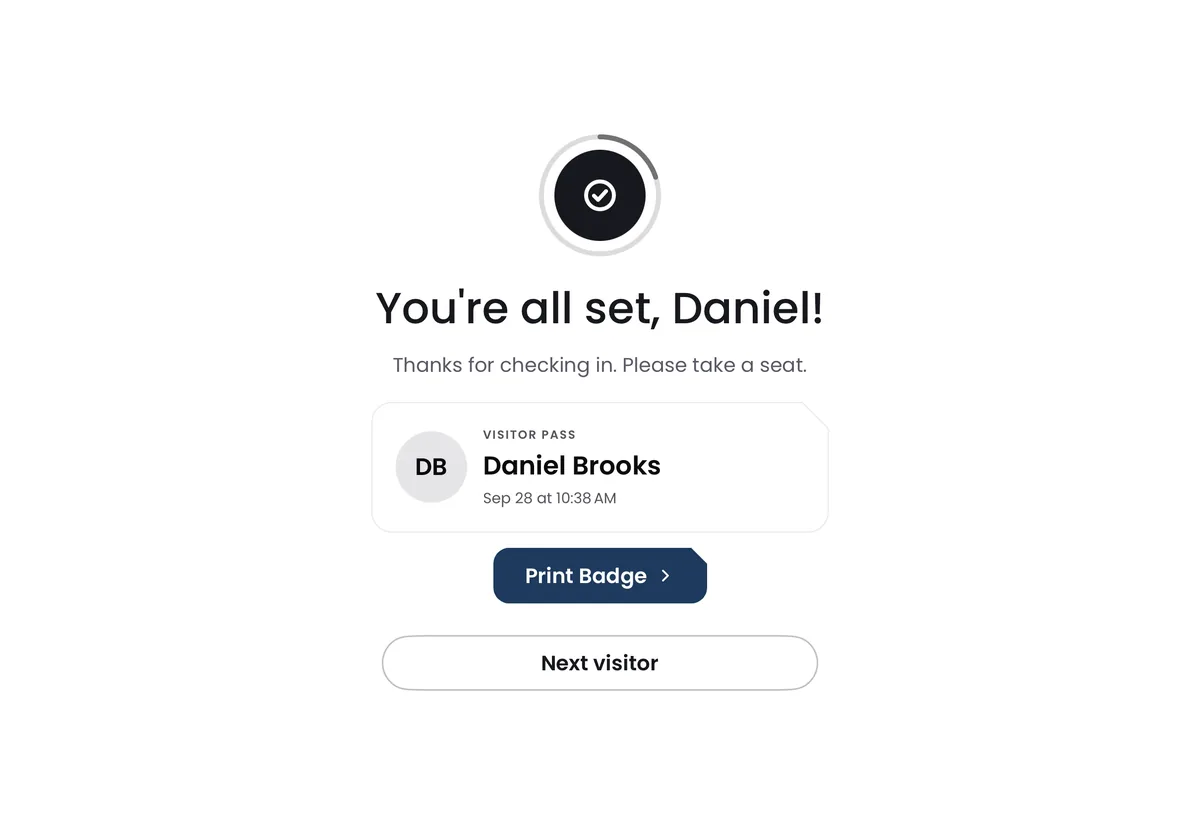
Your name on the screen and one clear place to start. No one needs to staff the desk.
They arrive
Your name on the screen and one clear place to start. No one needs to staff the desk.
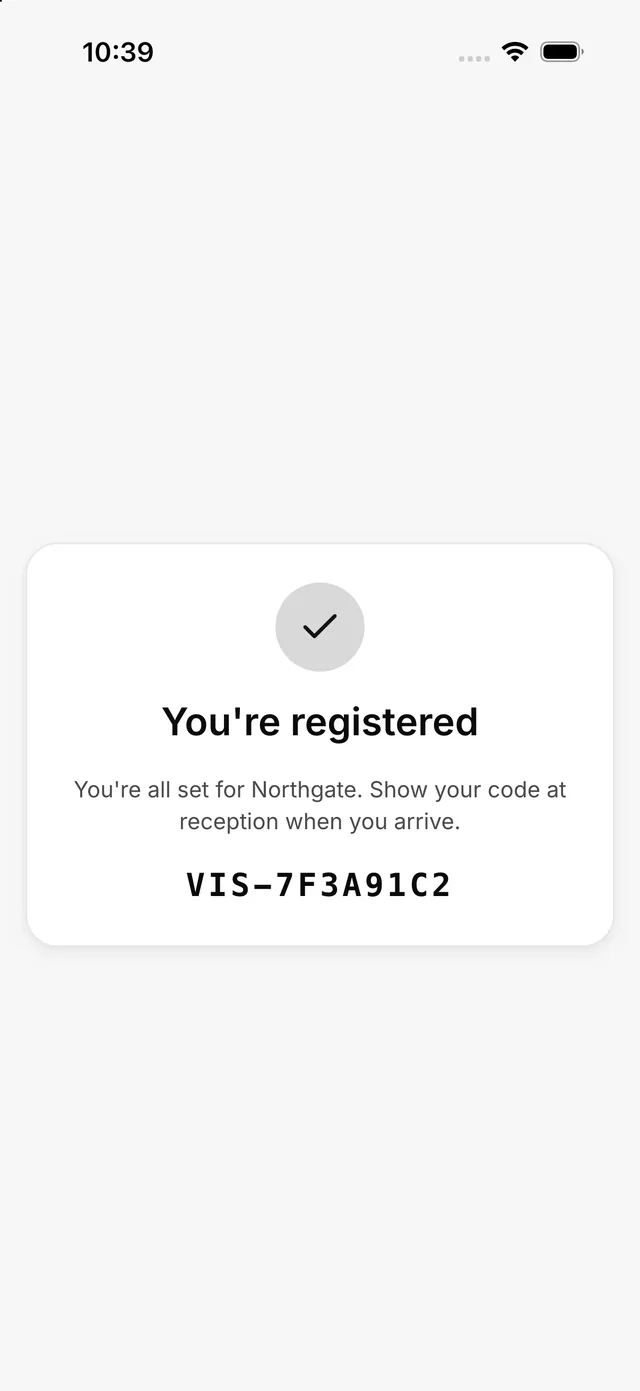
Invite once. Skip the line.
Send guests an invitation before they visit. They register from their phone, and when they arrive they check in with their code in seconds. Part of Visitors Pro.
Your front desk, in your pocket
Visitor log
Who's on site, who's waiting and who has left, searchable any time.
Invitations
Invite guests ahead of time and see who's expected today.
Analytics
See how busy your front desk is and when. Visitors Pro.
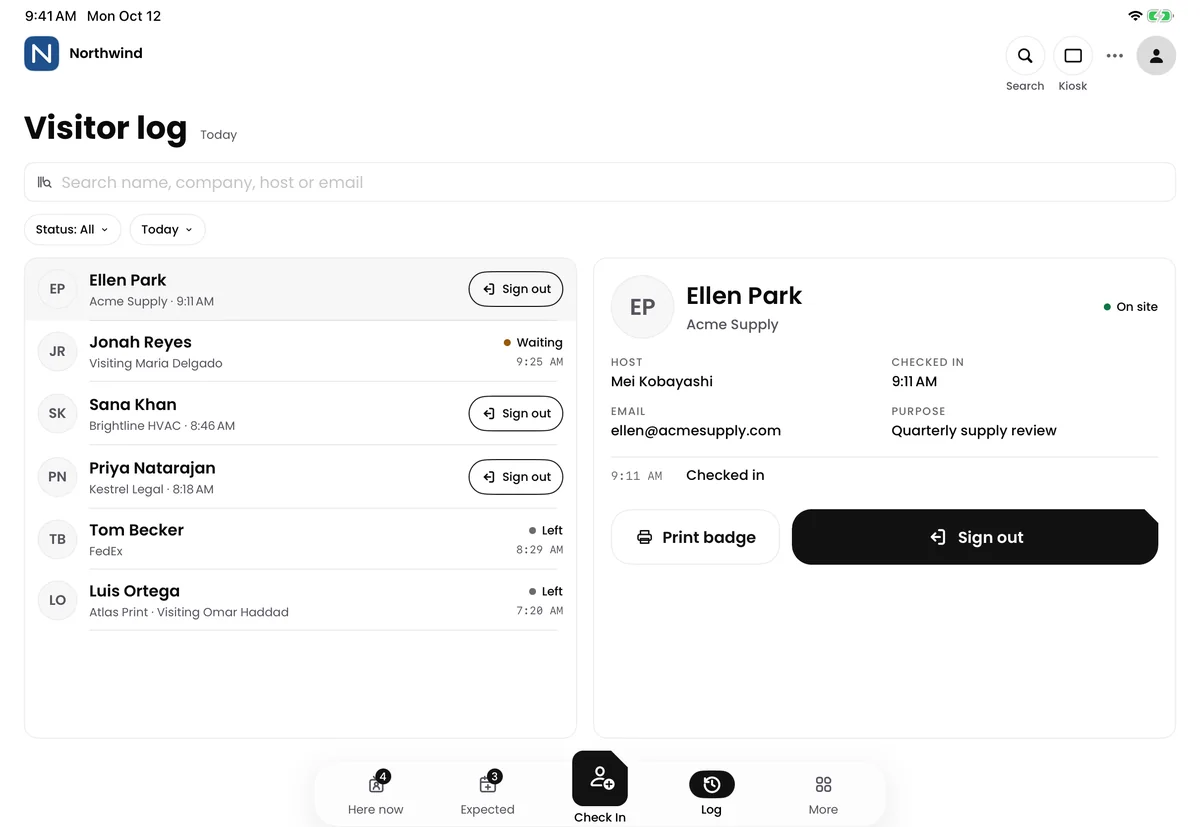
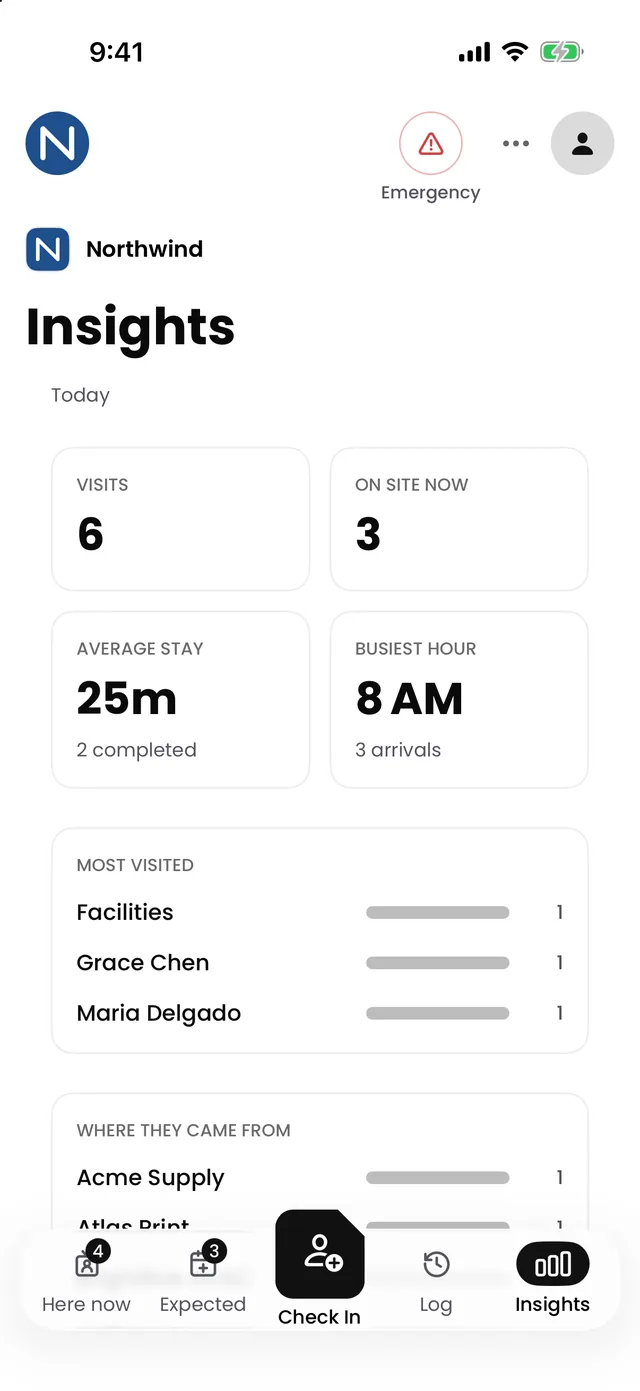
Available in the Receivly web app and the Receivly iPhone and iPad app.
Set the rules once. The kiosk enforces them.
Visitor types
Guests, contractors, interviews and deliveries, each with the right questions.
ID when you need it
Require ID for the visitors who need it, not for everyone. Visitors Pro.
Watchlist
Flag people who need attention. Staff are alerted at check-in. Visitors Pro.
Host alerts
Hosts are notified the moment their visitor arrives.
Badges
Printed badges make it easy to see who belongs.
Your brand
Your logo and colors on the welcome screen. Visitors Pro.
Resilient by default
Keeps working offline
Check-ins continue if the Wi-Fi drops and sync when it's back.
One platform for parcels, mail and people
One vendor, one login, one front desk.
Multi-site ready
Run every lobby from one account.
Made for busy front desks
Offices
Guests, interviews and vendors checked in without pulling anyone from their desk.
Learn moreCoworking
Guests and deliveries checked in without tying up the front desk.
Learn moreUniversities
Know which contractors and guests are in each building, across campus.
Learn moreHotels & hospitality
Log vendors and non-guest visitors at the back of house as smoothly as the lobby.
Learn moreCorporate campuses
One visitor record across every lobby on the campus.
Learn moreEssentials or Pro
On its own, or with any Receivly parcel plan.
Essentials
A lobby that checks itself in.
- iPad self check-in kiosk
- Host alerts by email and text
- Agreements, photos and badges
- Live visitor log, offline too
Pro
Plan visits, with more control.
- Everything in Essentials
- Invitations and pre-registration
- ID checks and watchlist alerts
- Your logo on the kiosk, and Insights
Workplace chain of custody
One record for everything that comes in.
Parcels, mail and visitors share one directory and one record, across every site. Start with one, and add the others to the same account when you are ready.
Frequently asked questions
No. They check in on your iPad, and invited guests pre-register from a link in their email.
An iPad on your front desk. A badge printer is optional.
Check-in keeps working and everything syncs when you're back online.
As long as you choose. Set your retention period and older records are cleared automatically.
No. Visitor Management works on its own, or in the same Receivly account as your parcels and mail.
Essentials is the check-in itself: the kiosk, host alerts, agreements, photos, badges and the visitor log. Pro adds invitations, ID checks, the watchlist, your branding on the kiosk and Insights.
The moment their visitor checks in.
Bring visitor check-in into Receivly
See check-in, host alerts and your visitor log working together, set up for your building.