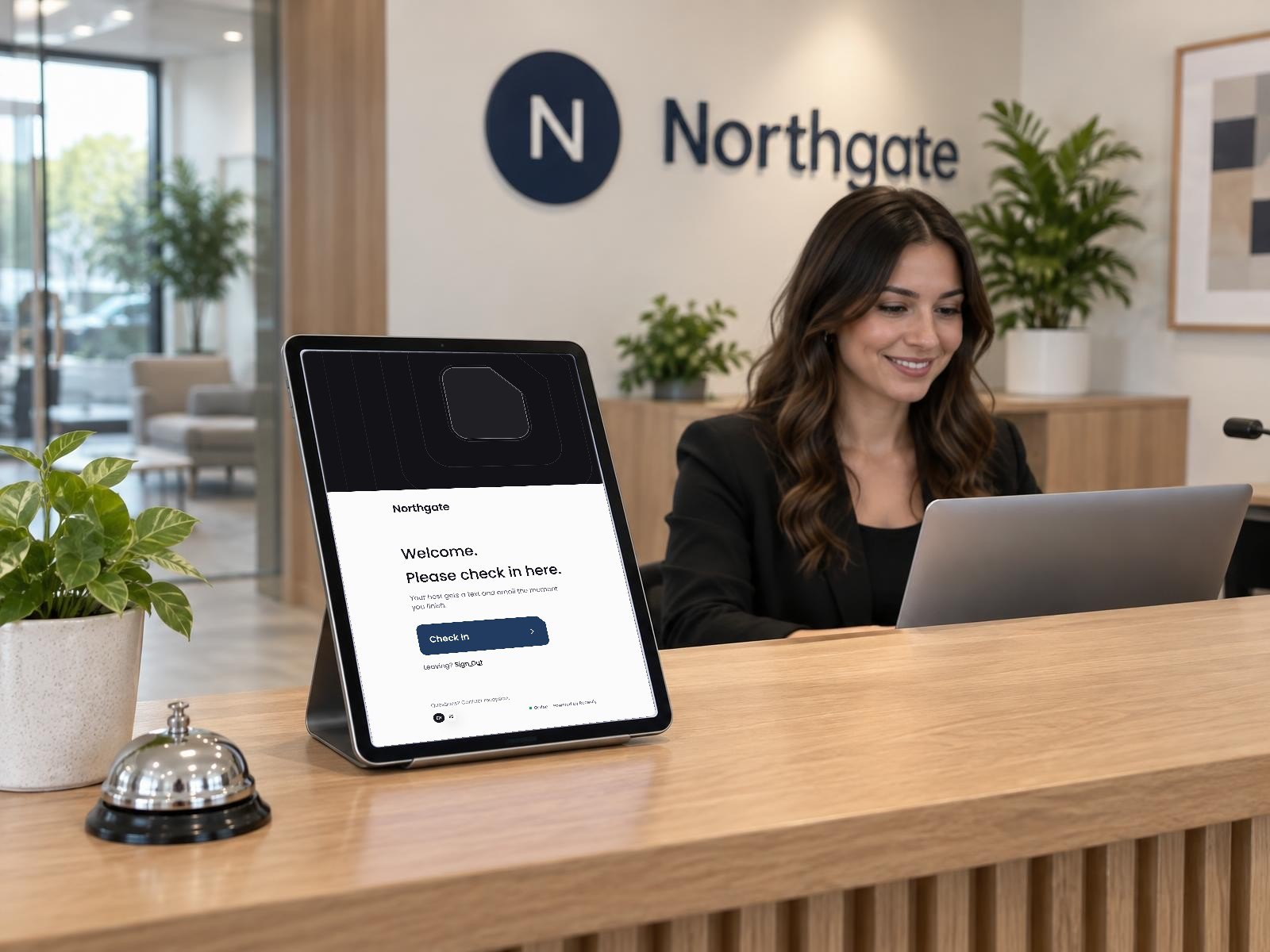
The paper sign-in book has lasted because it is easy. It is also the only document in most offices that shows every visitor’s name to the next visitor, that nobody can read at the end of the day, and that cannot tell you who is still in the building when the fire alarm goes off.
A good check-in fixes that without making the lobby slower. Here is what it needs to do.
The five parts of a good check-in
- 1.Know who is expected. Invited guests can register before they arrive, so their check-in takes seconds.
- 2.Let visitors check themselves in. Their name, who they are here to see, and why. Nothing more than you need.
- 3.Notify the host right away. The person they are visiting should know before the visitor has sat down.
- 4.Get the right agreements signed. An NDA or site rules for the visitors who need them, signed before they go past the lobby.
- 5.Badge them in, and sign them out. A badge makes it obvious who belongs, and signing out keeps the on-site list accurate.
Different visitors, different rules
A job candidate, a contractor and a courier should not answer the same questions. Set rules by visitor type: a contractor may need to sign site rules, an interview candidate only needs a host, and a delivery may not need a badge at all. Checks like ID belong only where your policy calls for them.
Privacy and records
- Ask only for what you will use.
- Keep each visitor’s details out of view of the next visitor.
- Decide how long records are kept, and clear older ones automatically.
The emergency test
Picture the fire alarm going off at 2pm. A good process can answer, from a phone in the parking lot, exactly which visitors are on site and who they came to see. If yours cannot, that is the first thing to fix.
Where Receivly fits
Receivly’s Visitor Management, sold on its own or with any parcel plan, covers each part: an iPad kiosk where visitors check themselves in, host alerts the moment they arrive, agreements signed on the kiosk, badges, invitations with pre-registration, and a live list of who is on site. Visitor records are kept only as long as you choose. See Visitor Management, or book a demo to see it in your own lobby.
Questions
Is a paper sign-in book good enough?
For a quiet office, maybe. It struggles with privacy, legibility, notifying the host, and knowing who is still in the building during an emergency.
Should every visitor show ID?
Only where your policy calls for it. Many offices ask contractors or vendors for ID and not everyday guests.
How long should visitor records be kept?
Only as long as you need them. Set a retention period and clear older records automatically.